

Configure Warehouse Connector
This section discuss how to configure the Data Warehouses supported by Castled Data. Castled supports the following public cloud Data Warehouses:Steps for configuring warehouse connector
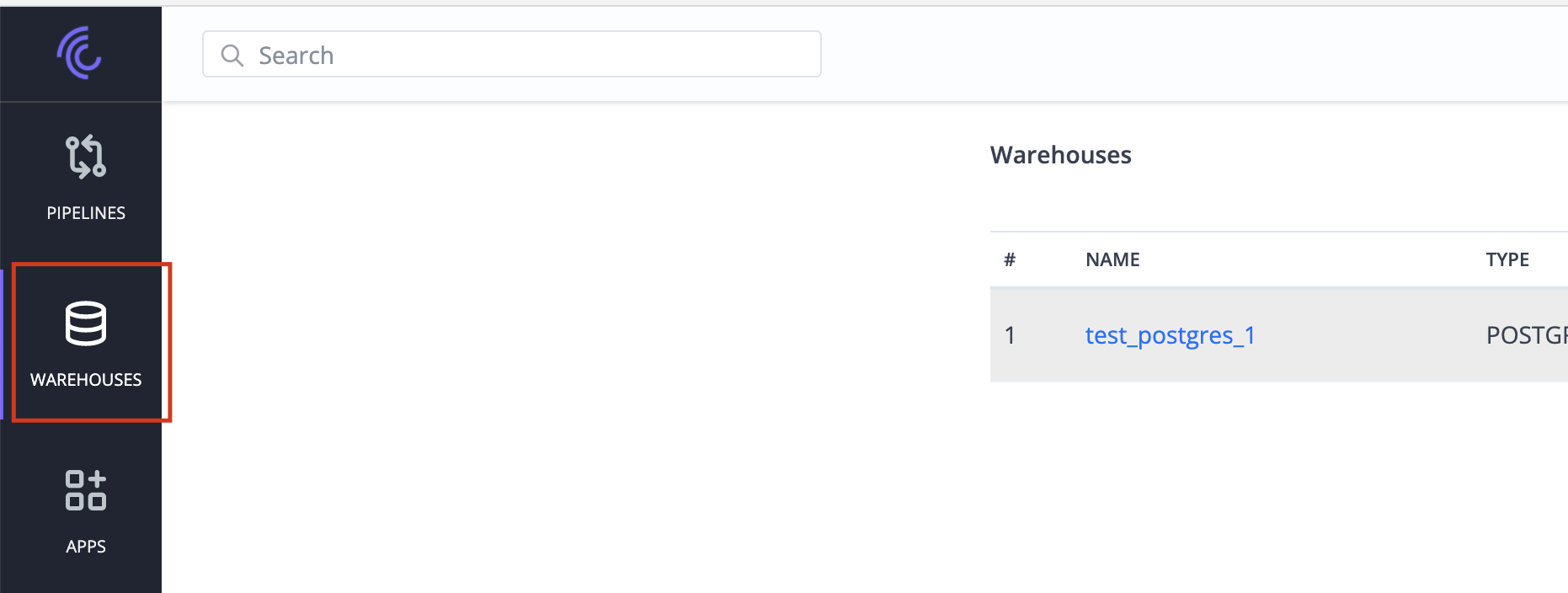
For configuring a new warehouse connector the following steps needs to be followed:- Click on the WAREHOUSES menu to navigate to the Warehouses screen.
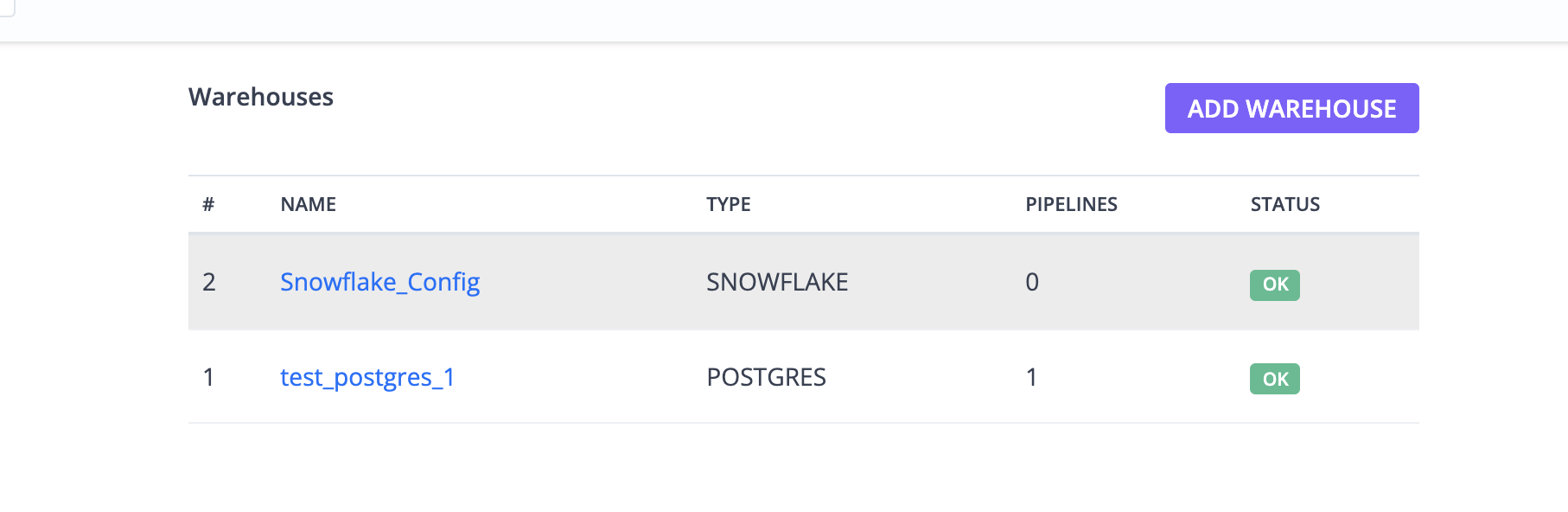
- Click on the ADD WAREHOUSE button to navigate to the Select Warehouse Type screen
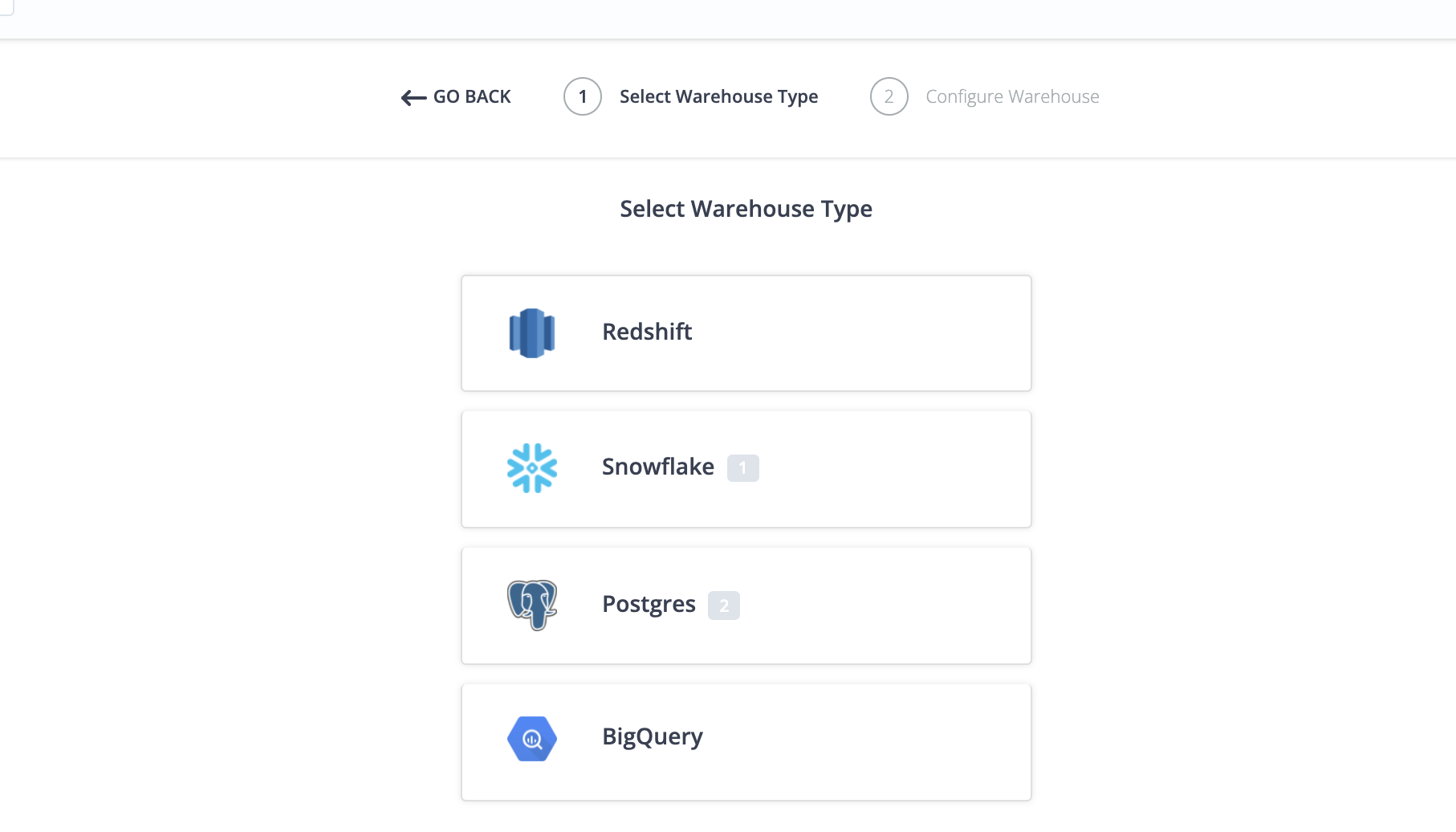
- Select the Warehouse Type of your choice from the available list of warehouses to navigate to the Configure Workspace screen.
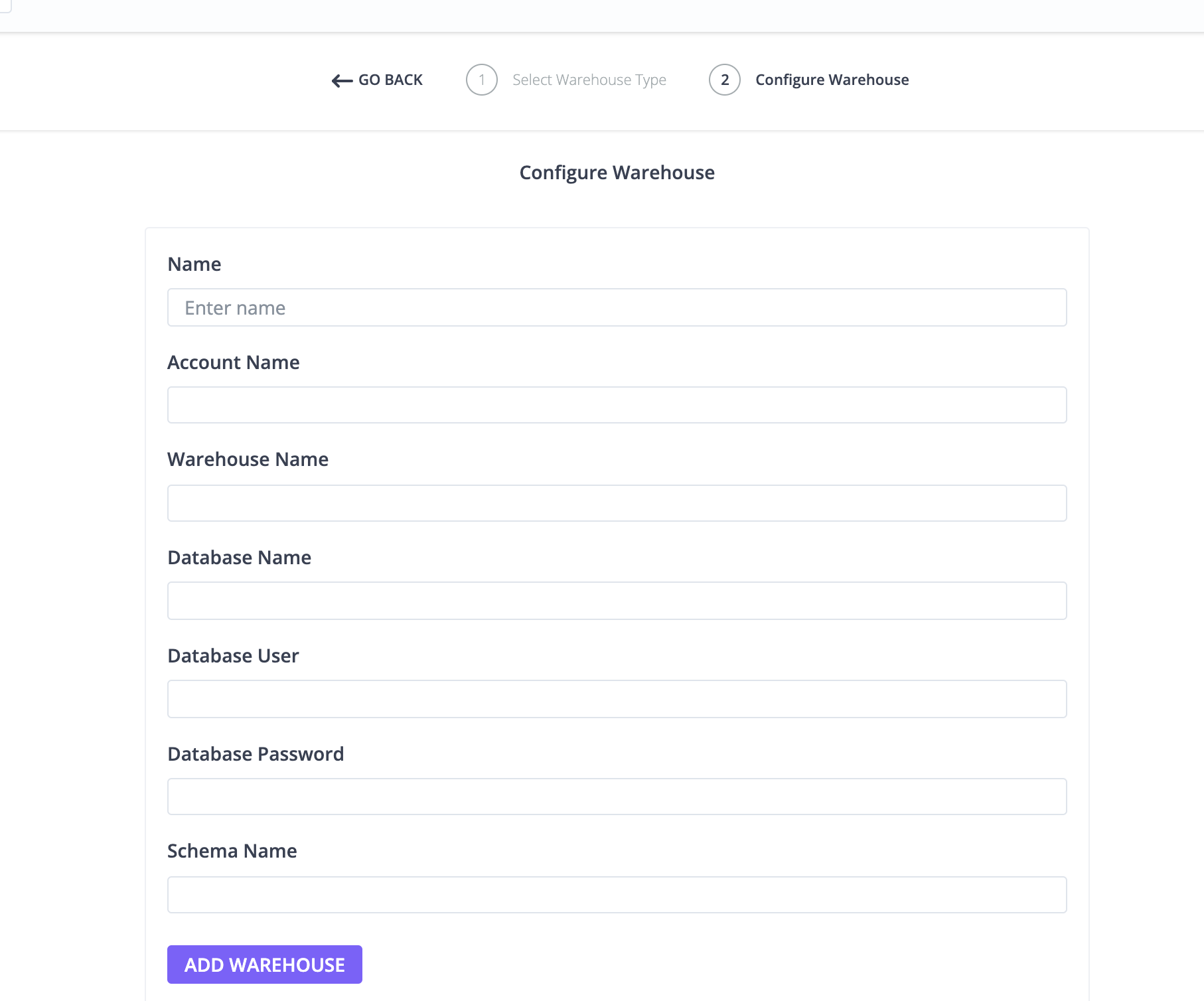
- Configure Warehouse screen is dynamic and will vary based on the warehouse selected.
 Configuration for each of the supported warehouses is covered in detail in the
next section.
Configuration for each of the supported warehouses is covered in detail in the
next section.