

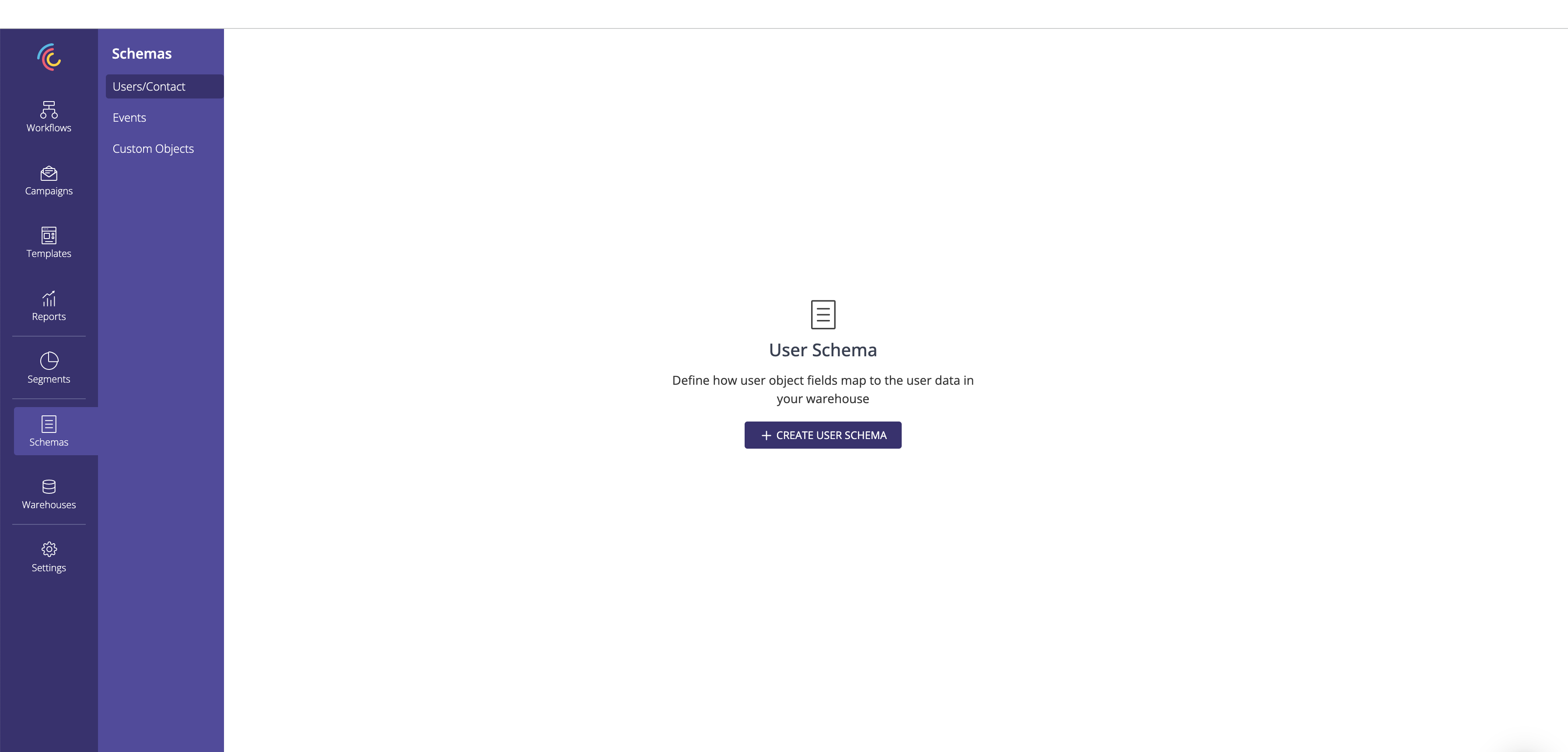
1. Click on Create User schema.
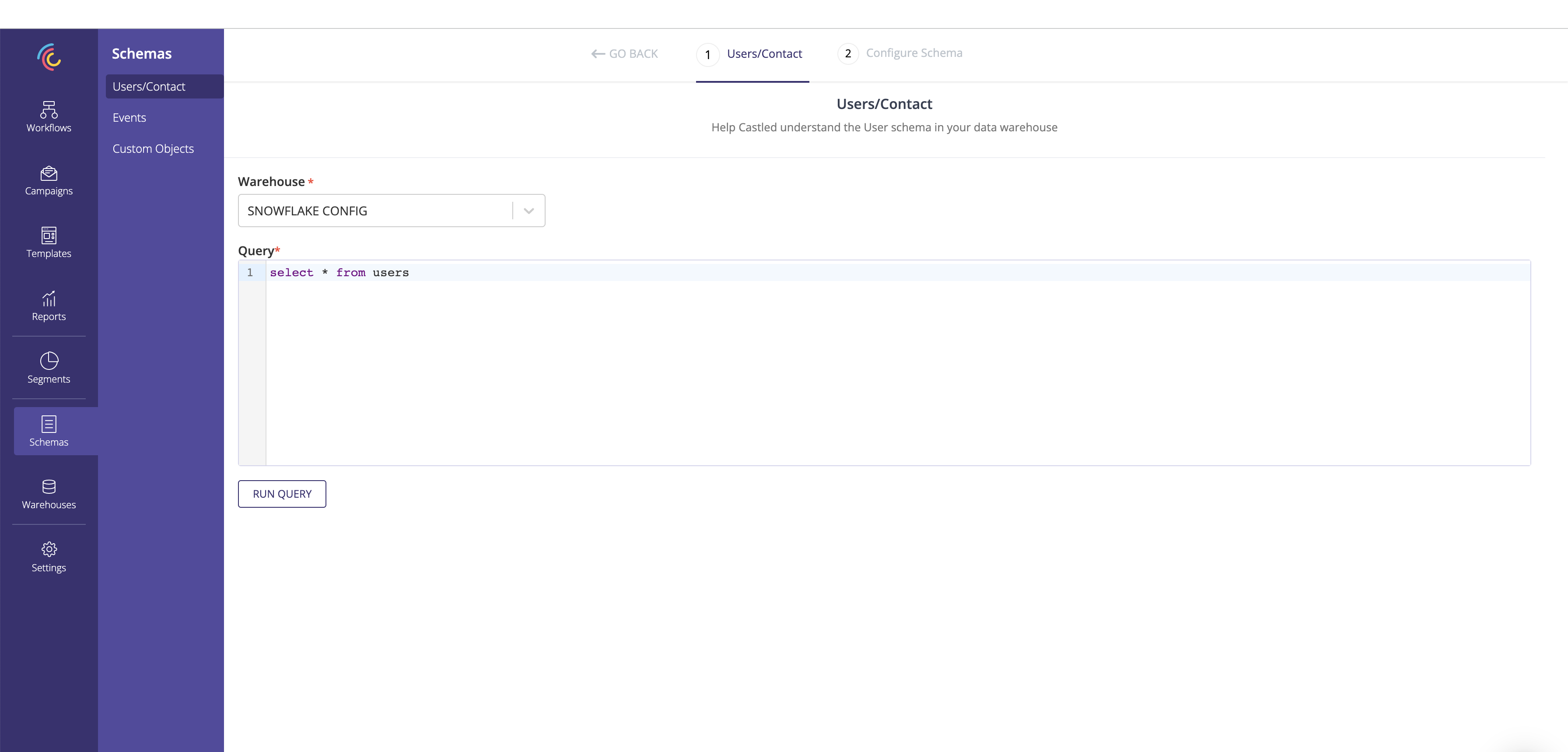
2. Select the warehouse config and enter the query to define the user entity being created.
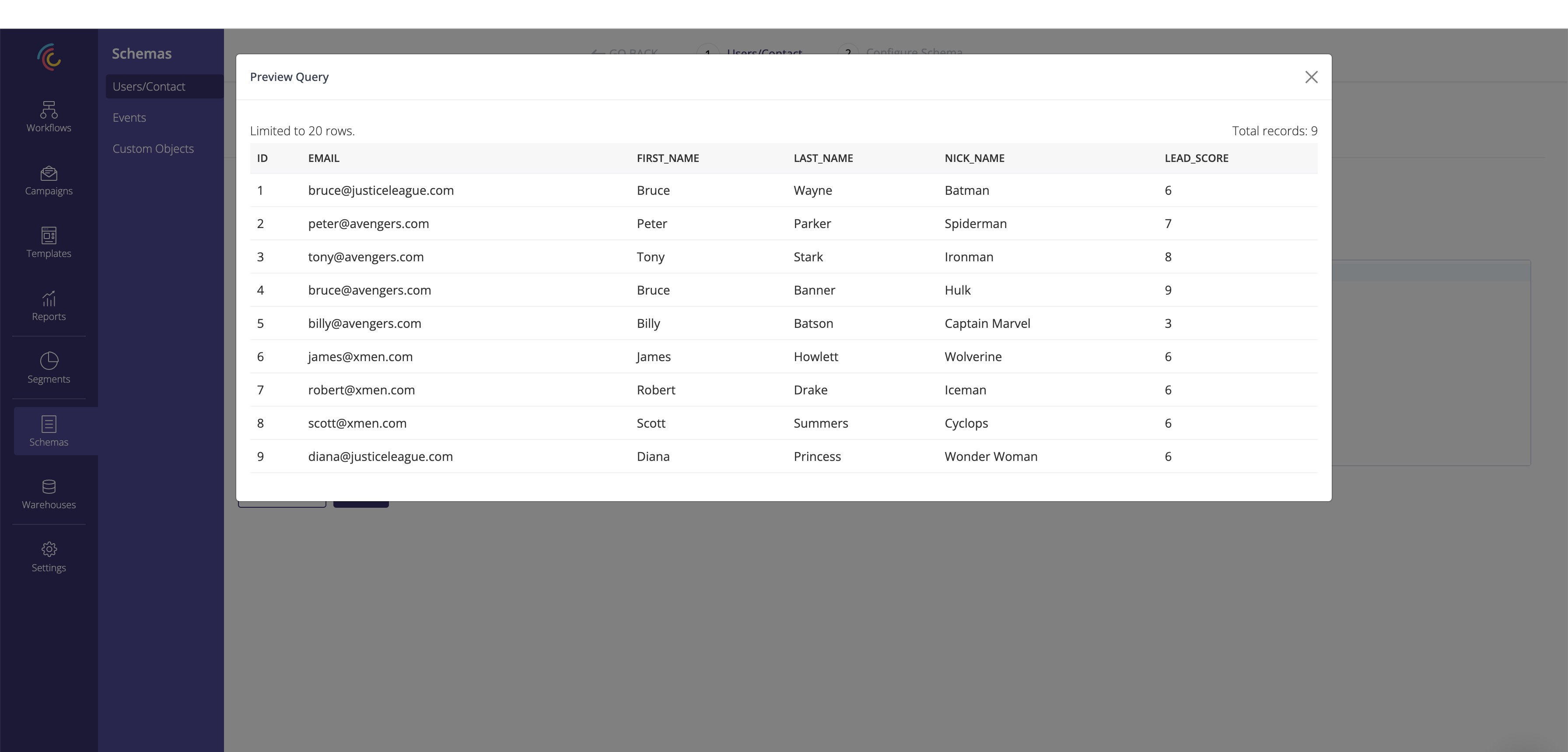
3. Run the query and preview the result.
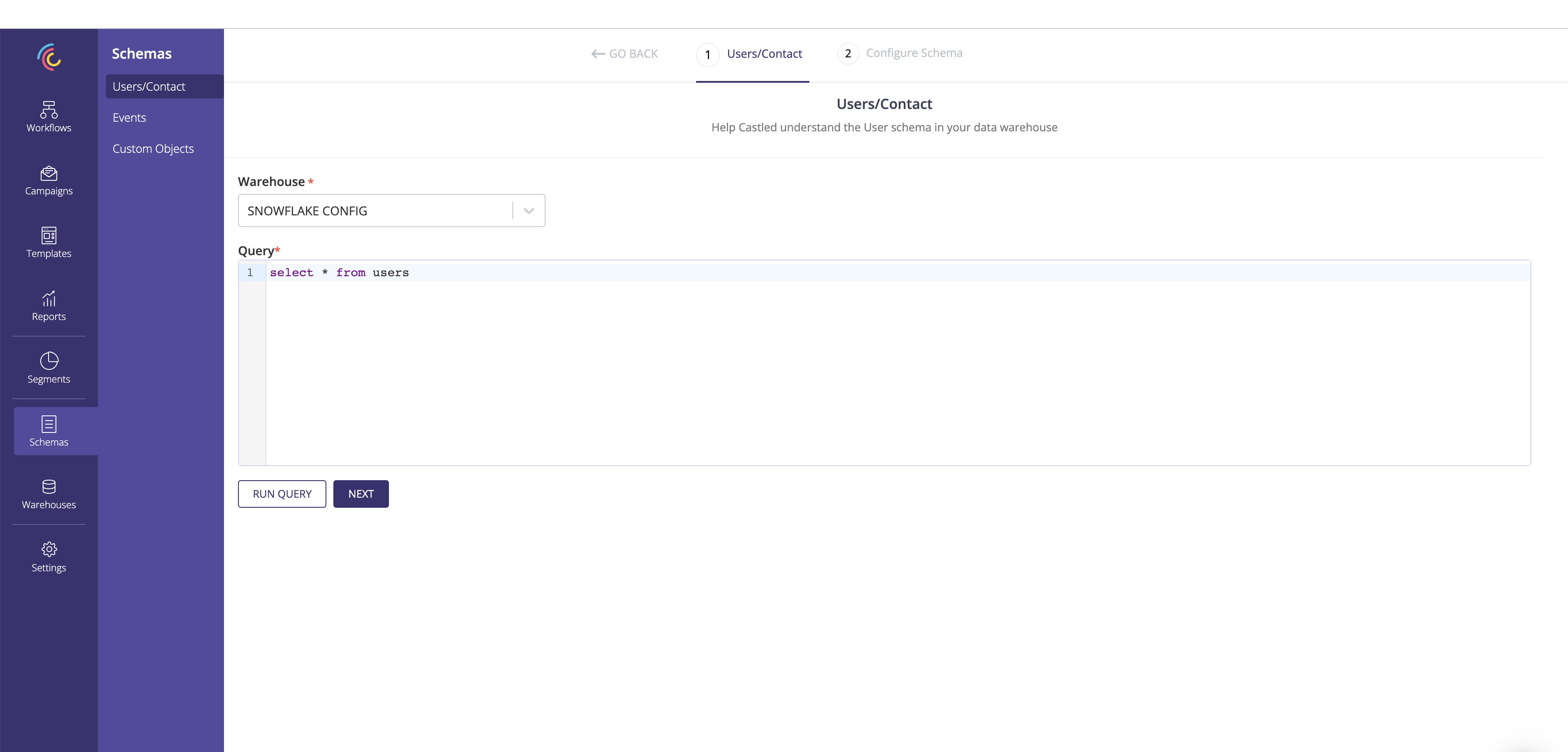
4. After previewing the query result click Next.
5. Capture the schema name.
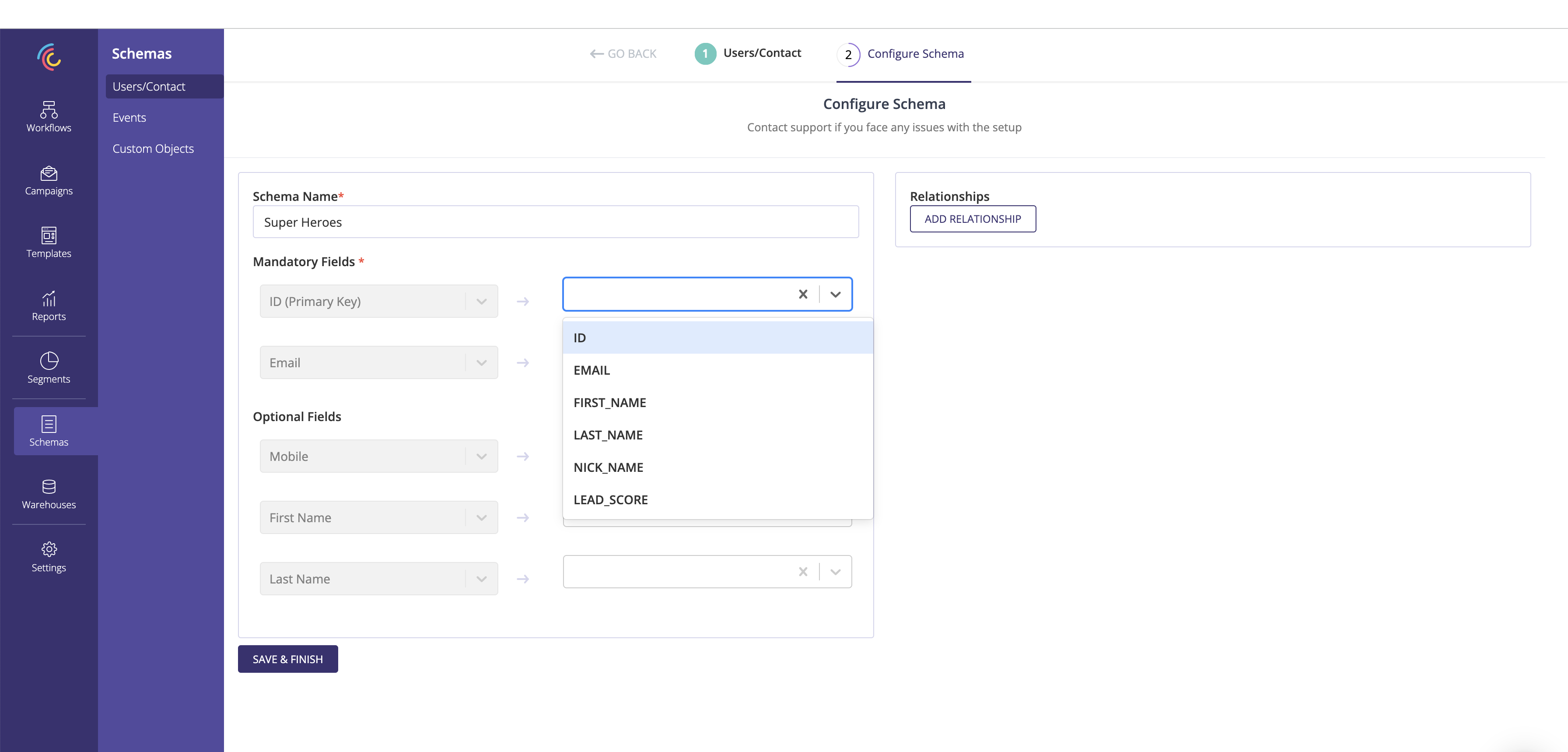
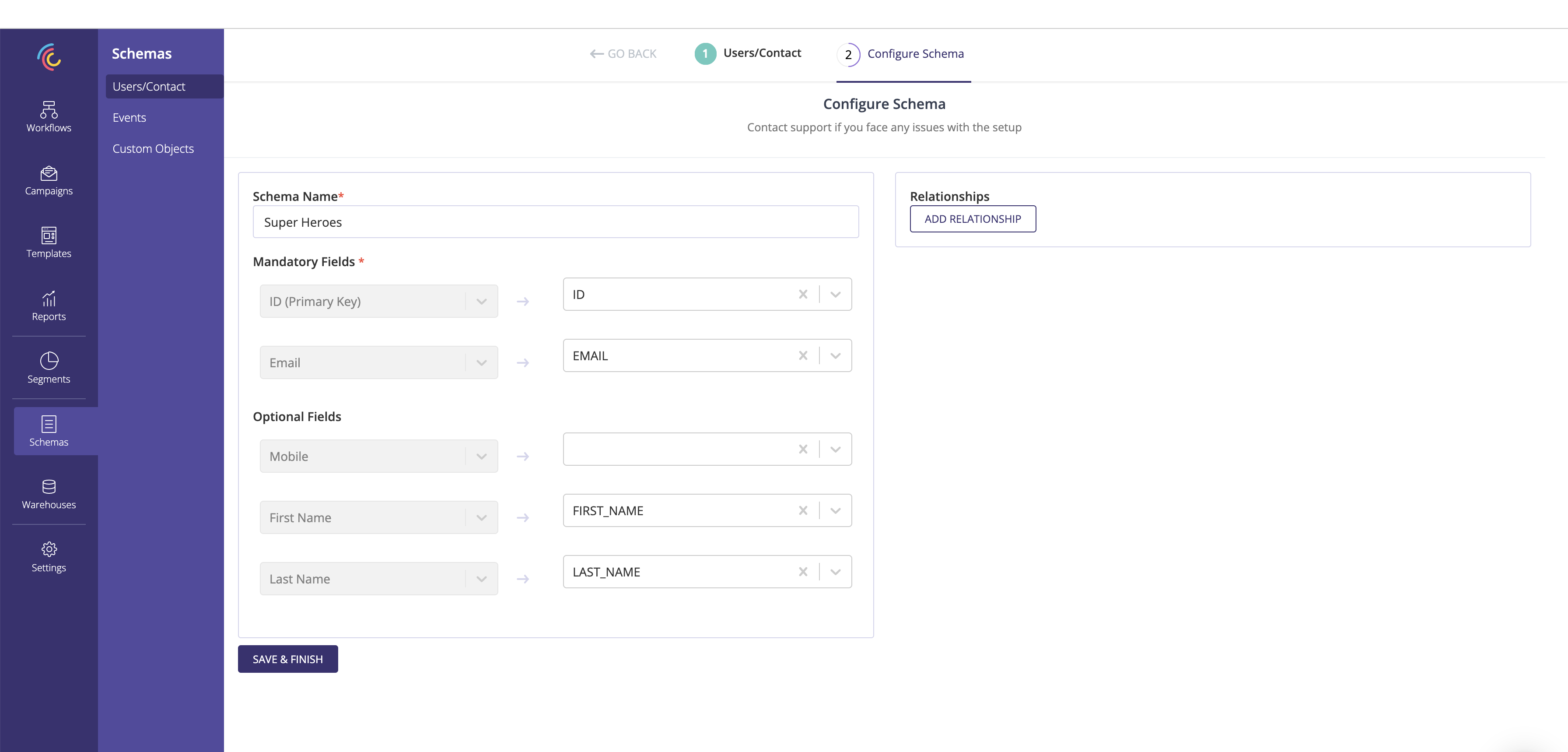
6. Map the mandatory and optional fields to be used for the delivery and personalization of cross-channel campaigns.
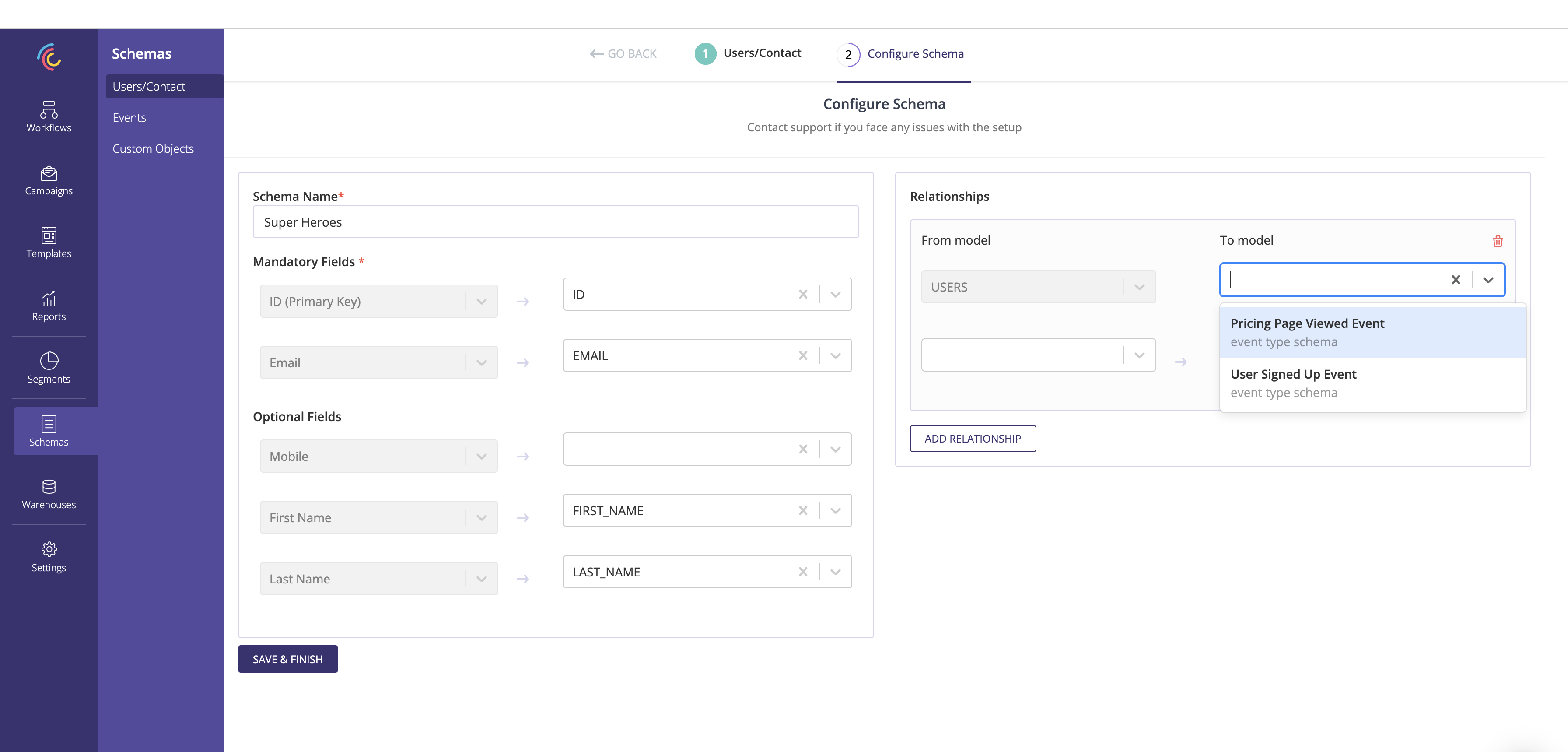
7. Capture the event and custom objects related to the user using the Relationship section.
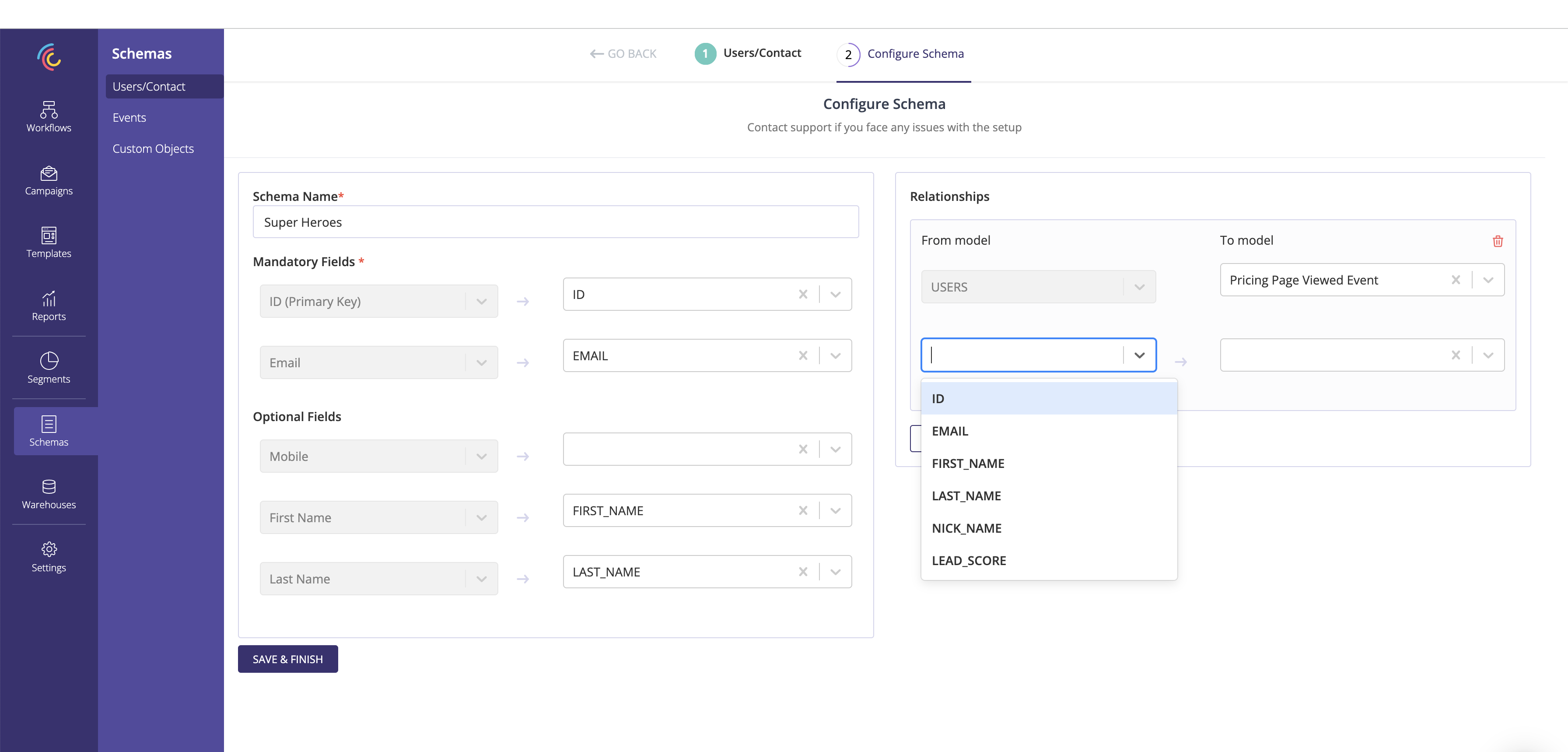
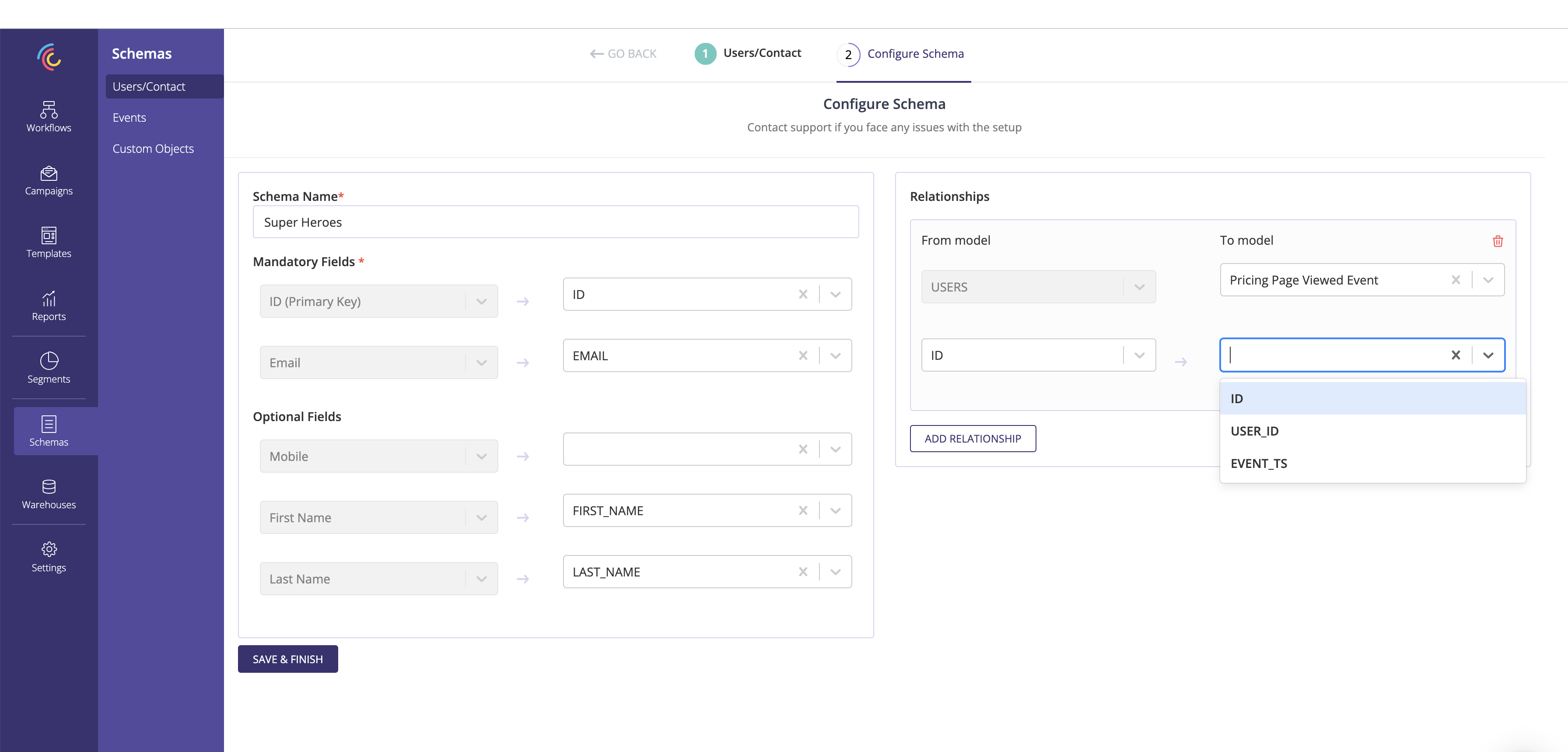
8. Save and finish to create an User schema
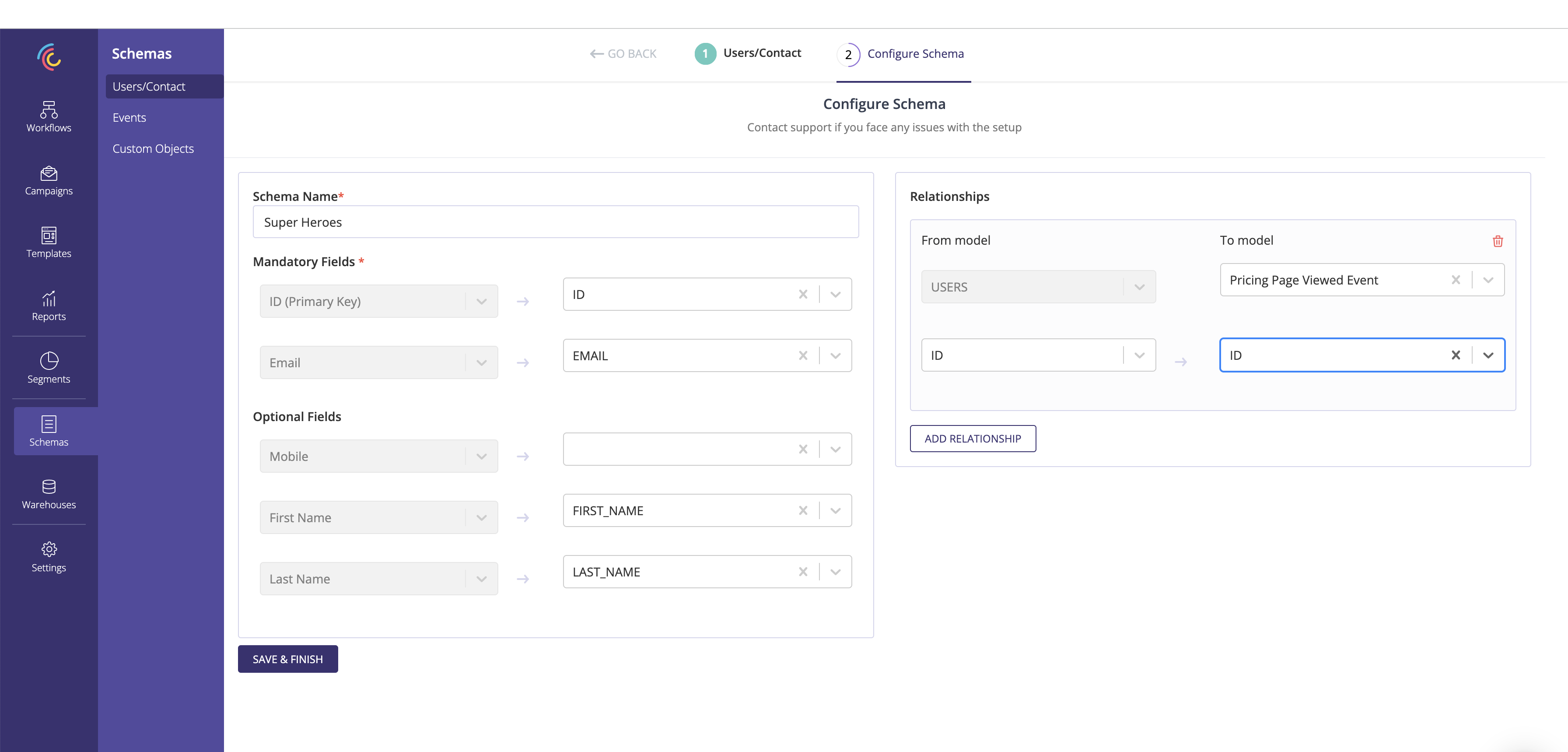
- User Schema can be associated with many Events / Custom Objects
- ID and Email needs to be mandatorily mapped