

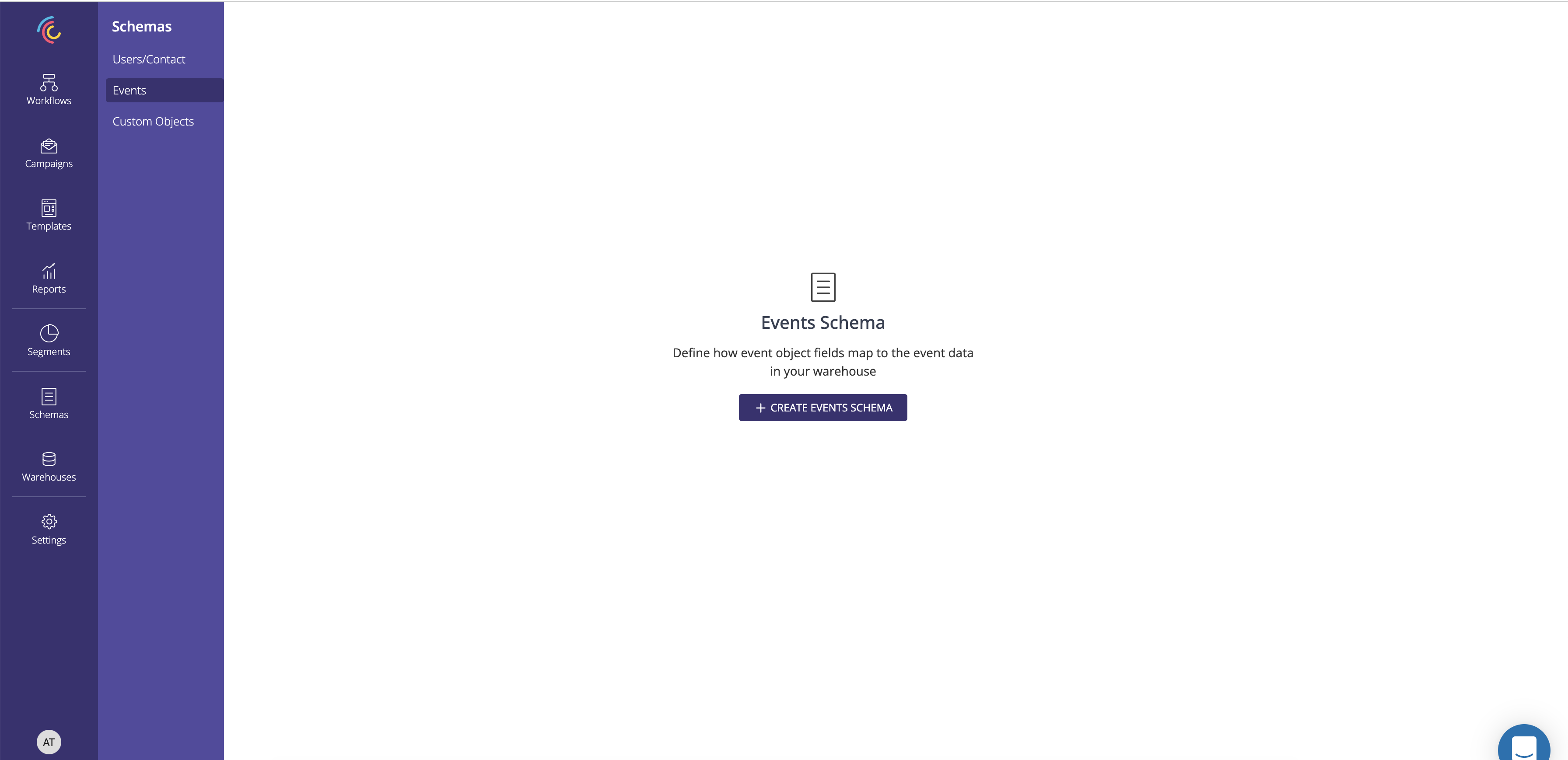
1. Click on Create Custom schema
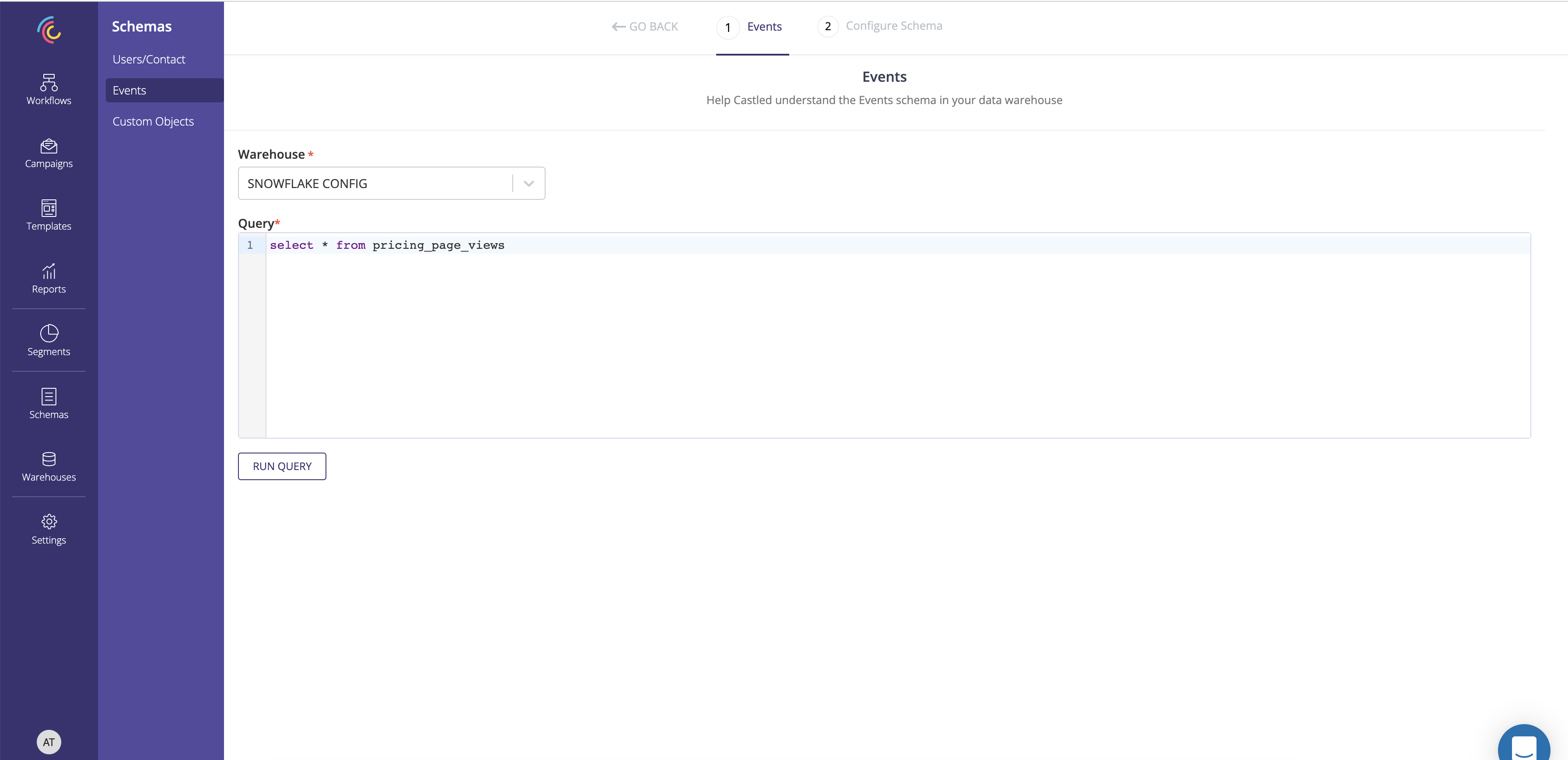
2. Select the warehouse config and enter the query to define the custom entity being created.
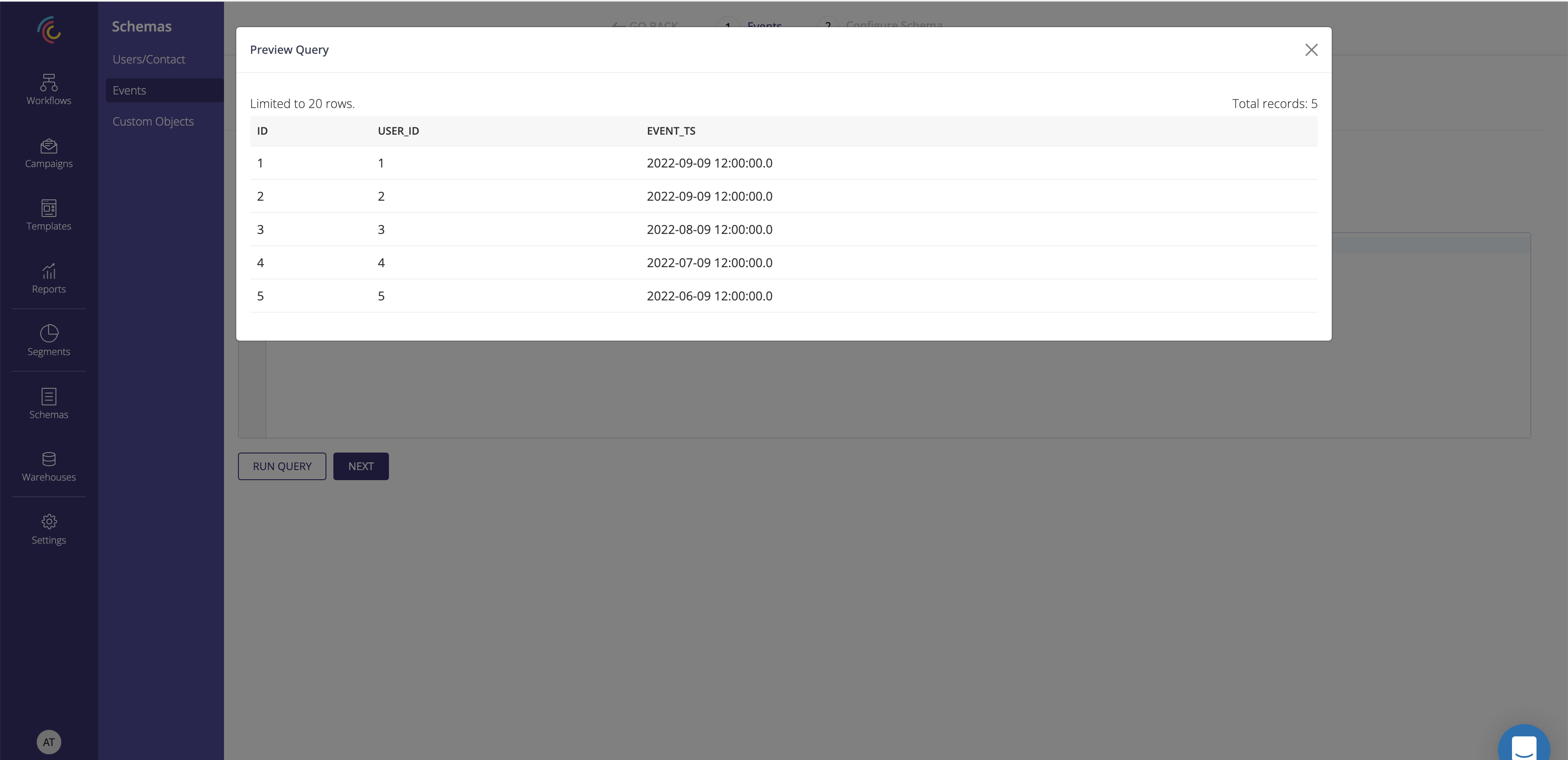
3. Run the query and preview the result.
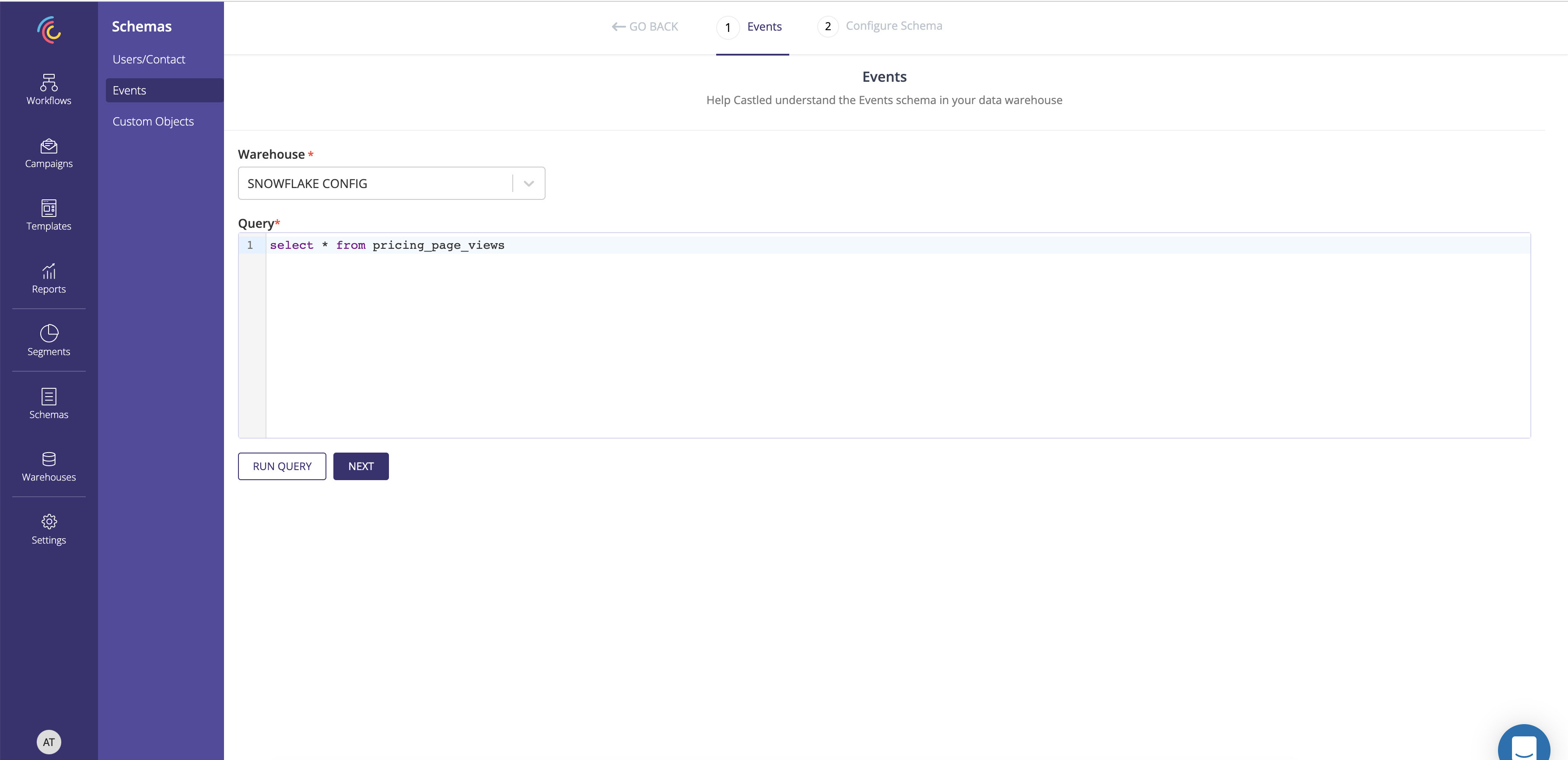
4. After previewing the query result click Next.
5. Capture the schema name.
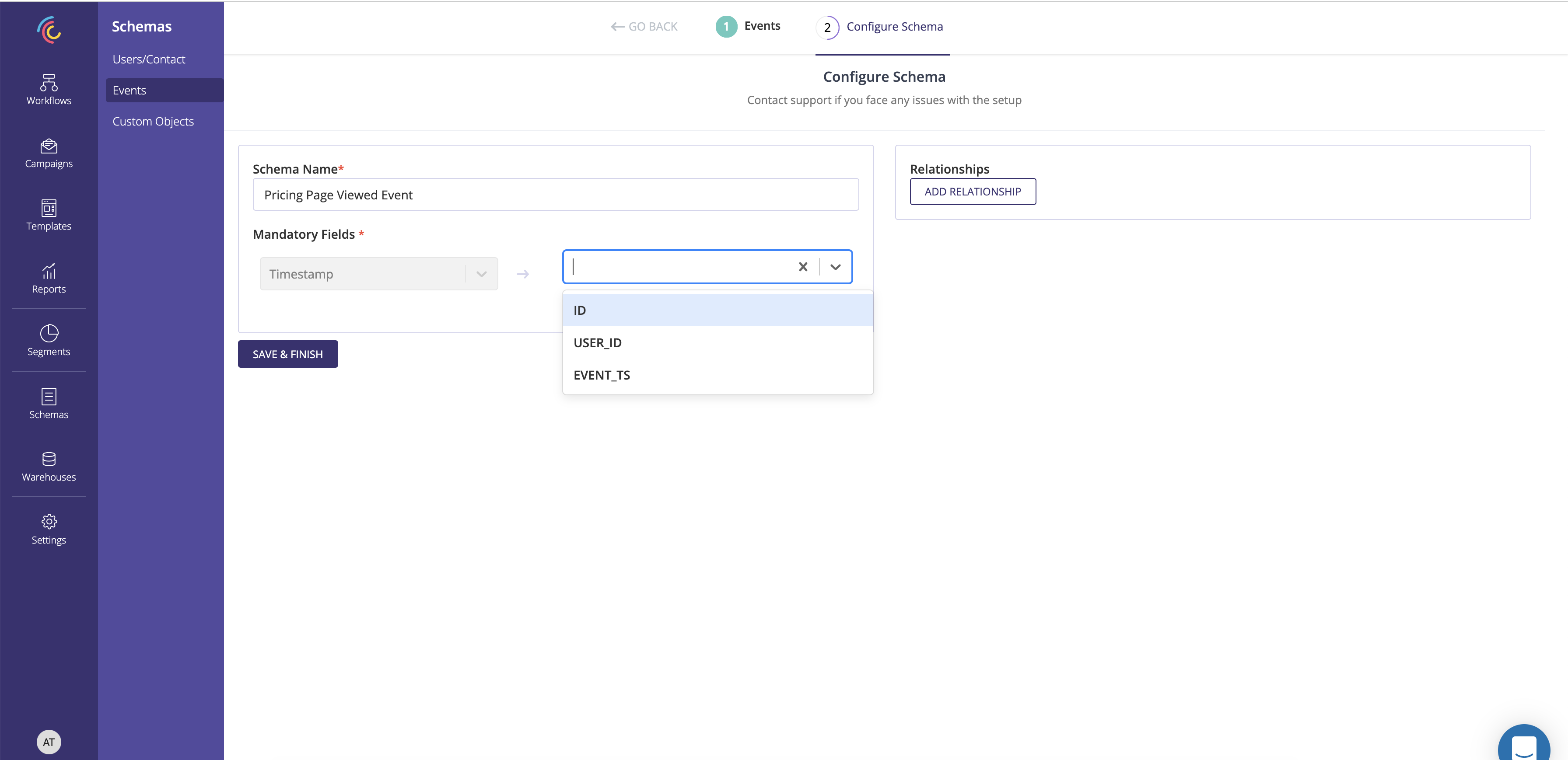
6. Capture the User object associated with the custom object using the Relationship section.
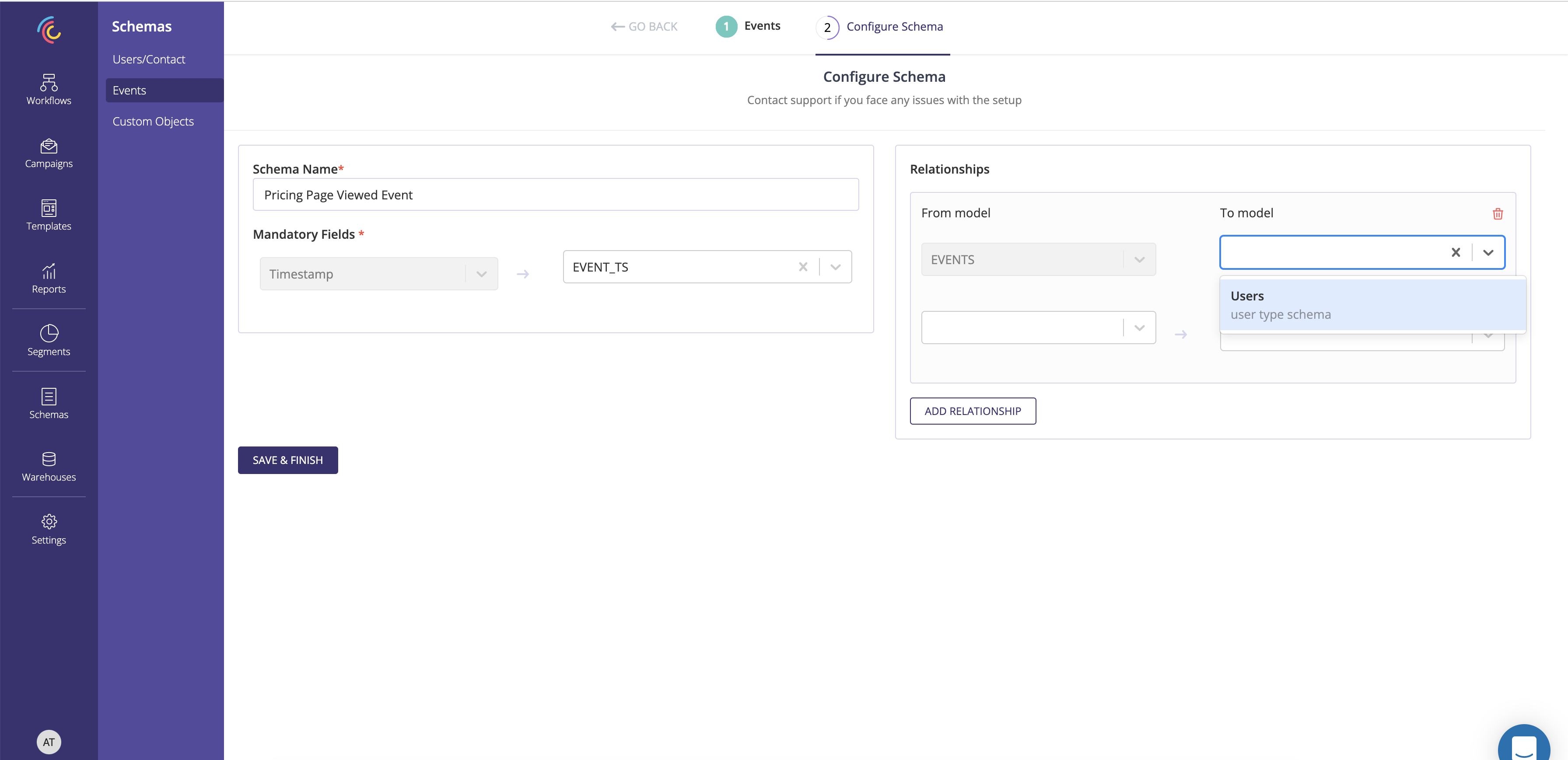

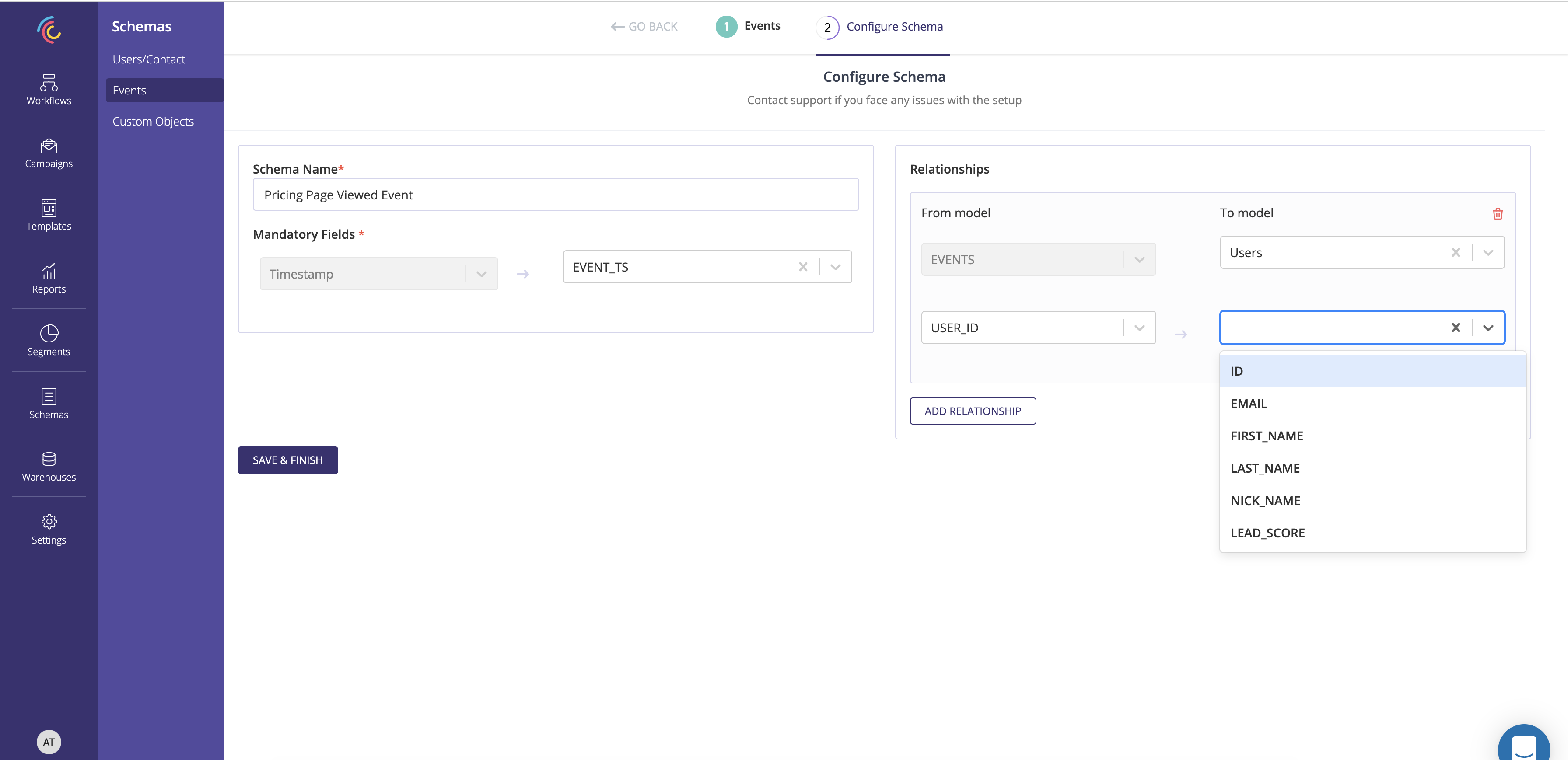
7. Save and finish to create an Custom schema.
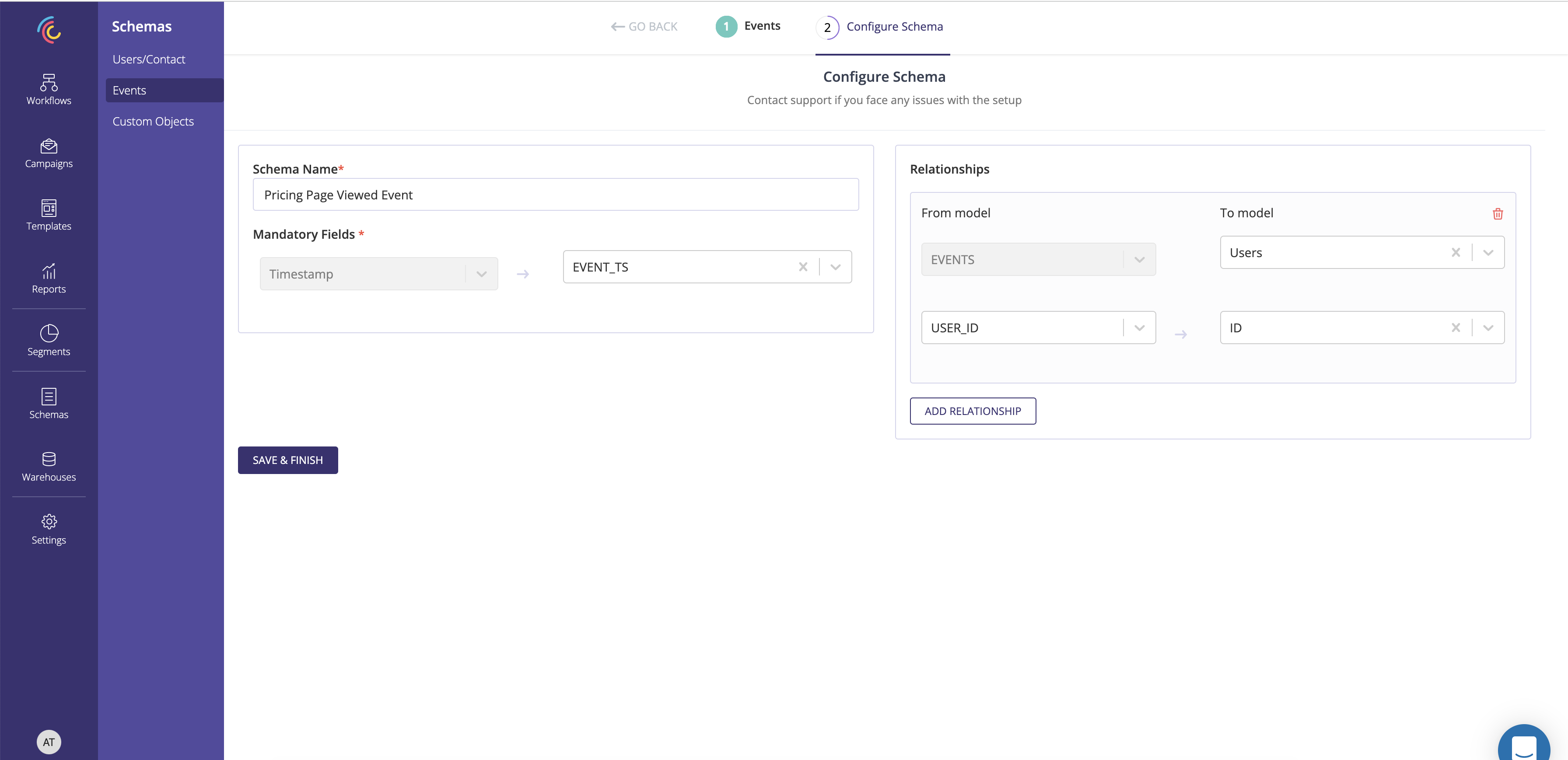
An Custom Schema can be associated with only one User Schema