

Creating an app connection
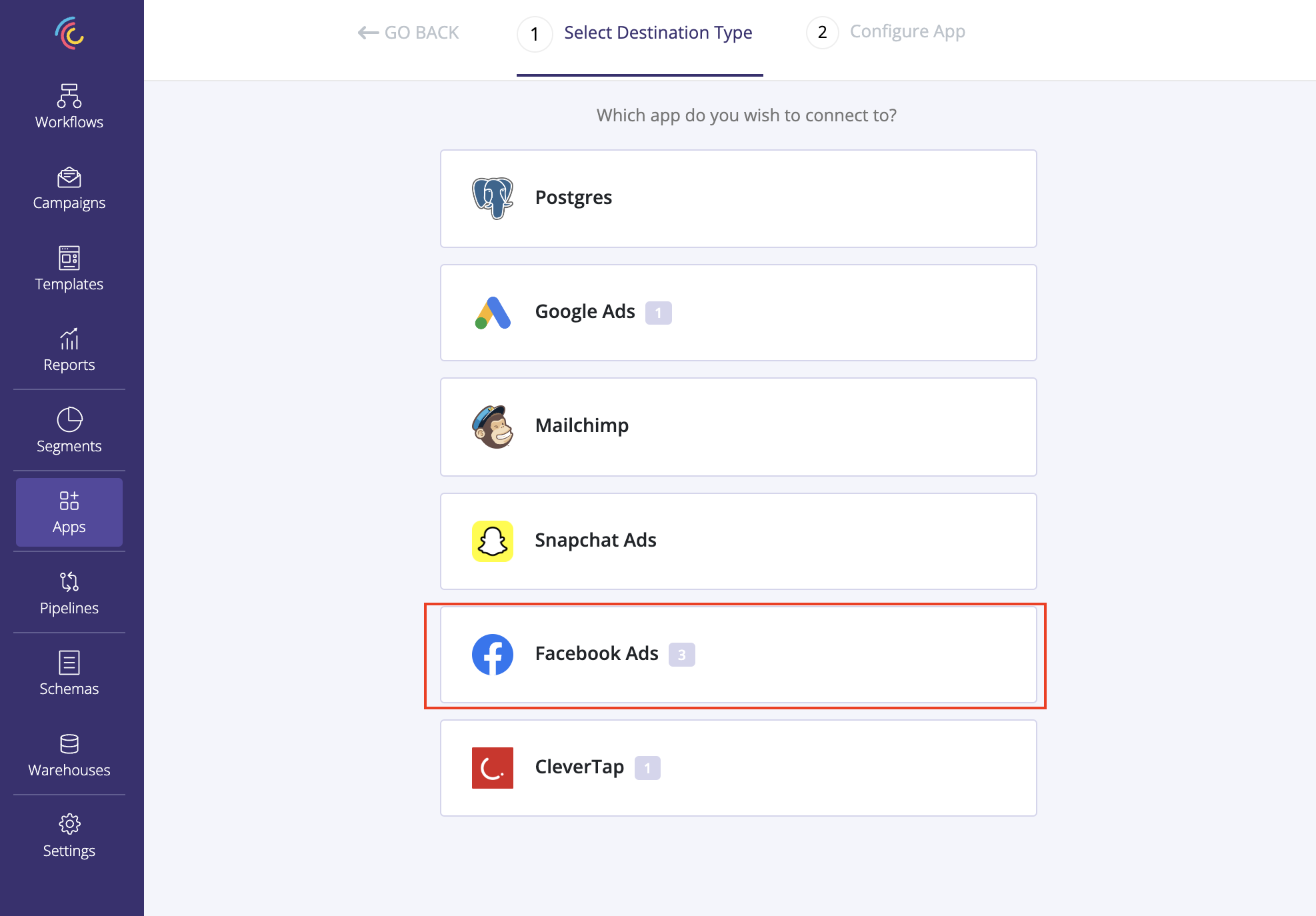 Select Facebook Ads as the app type and Castled will redirect you to Facebook login to complete the OAuth connection setup.
Creating a sync pipeline
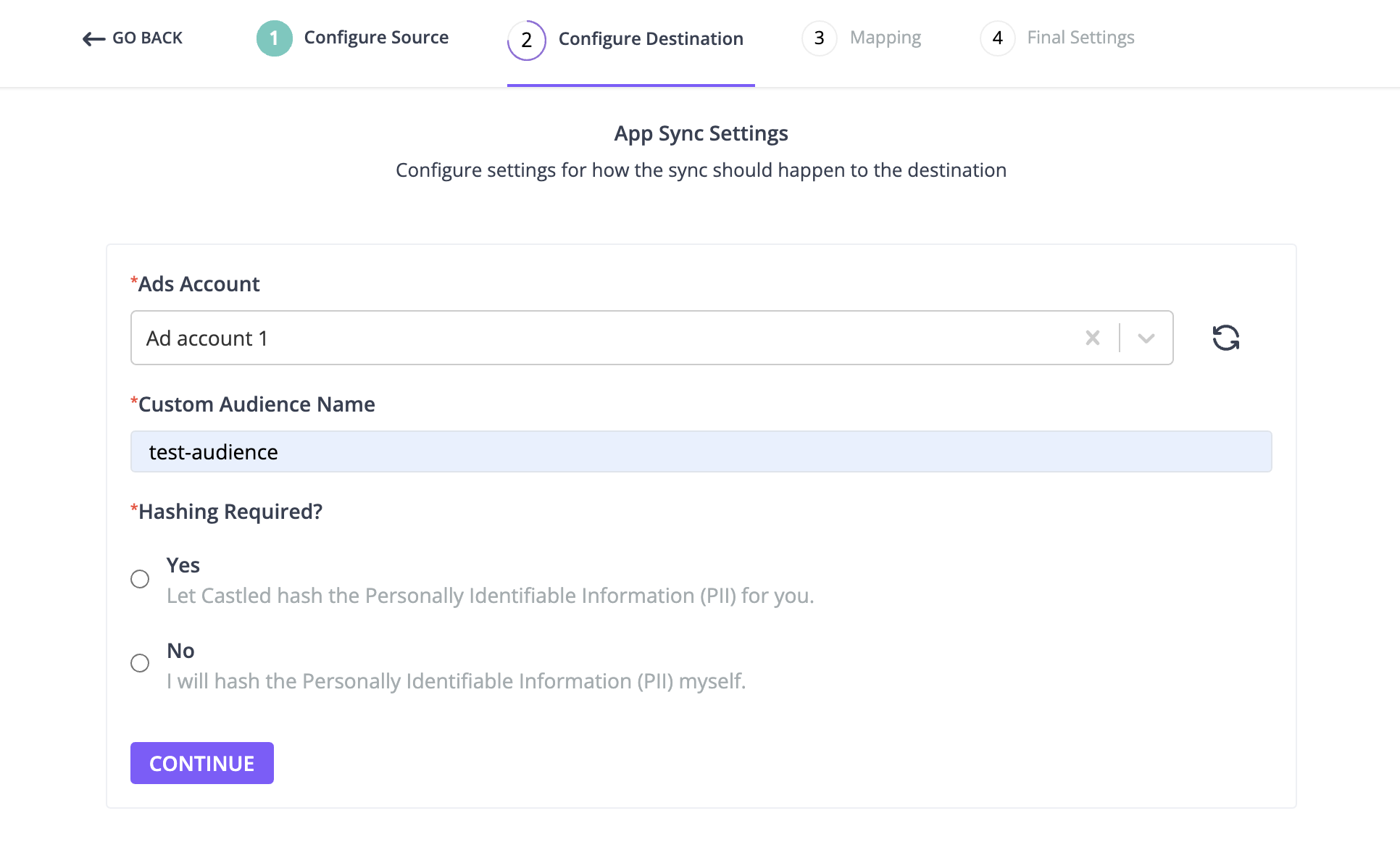
- Ads Account - Select the ads account where you want to send the customer list to.
- Custom Audience Name - You can specify an existing audience name or a new one. If the audience name doesn’t exist we create a new one by the name you specified.
- Hashing Required - Facebook requires all the personally identifiable user information to be hashed before syncing it. You can select Yes option if you want Castled to do the normalization and hashing. In case you already have the hashed information in your warehouse select No.
Customer list fields
List of all the customer fields that facebook supports can be found here. A few fields worth mentioning:EXTERN_ID- You can match people for an audience with your own identifiers, known as External Identifiers (EXTERN_ID). This can be any unique ID from the advertiser, such as loyalty membership IDs, user IDs, and external cookie IDs.MADID- Mobile advertiser ID. For e.g. An advertsing ID that Google provides as part of Google Play services (Android Advertising ID)