1. Sign-in to apple developer center.
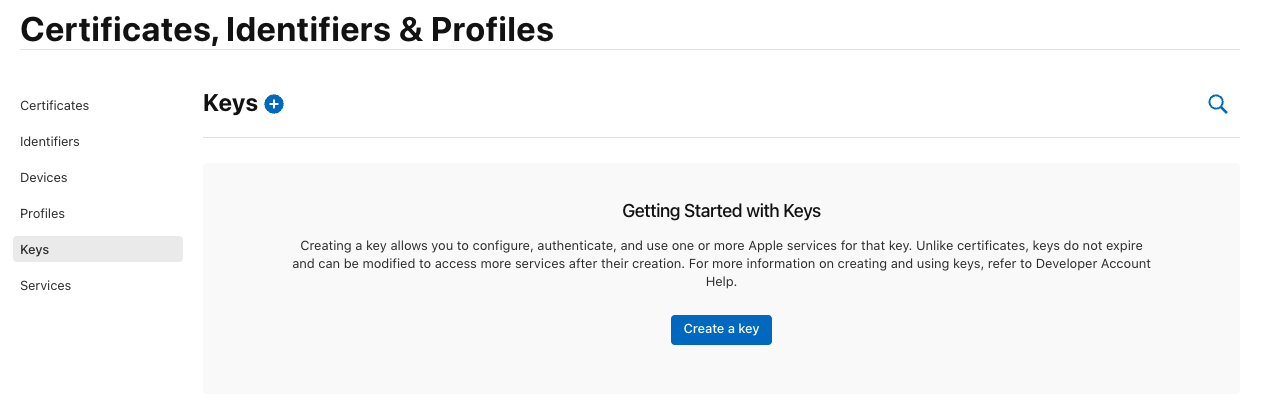
2. Select the Keys option in Certificates, Identifiers & Profiles tab

3. Click on Create.
4. Give a name for the key. Also, enable Apple Push Notifications service (APNs)
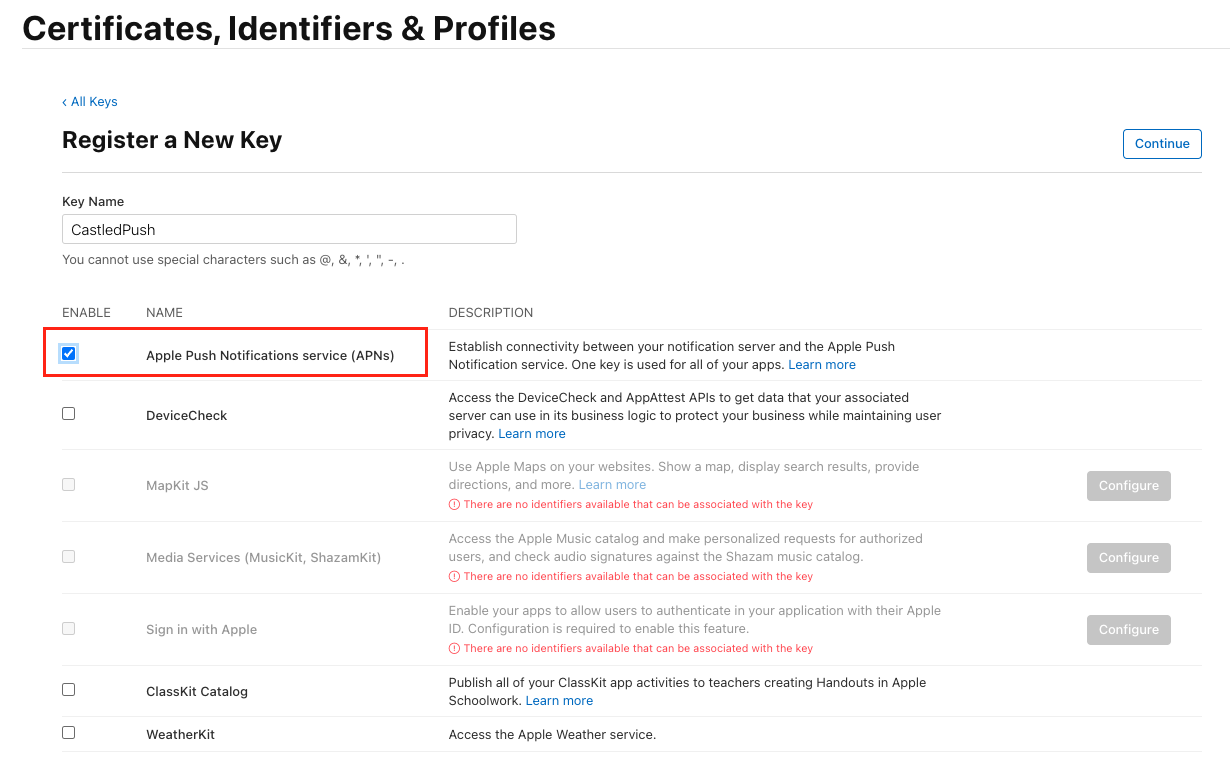
5. Click Register.
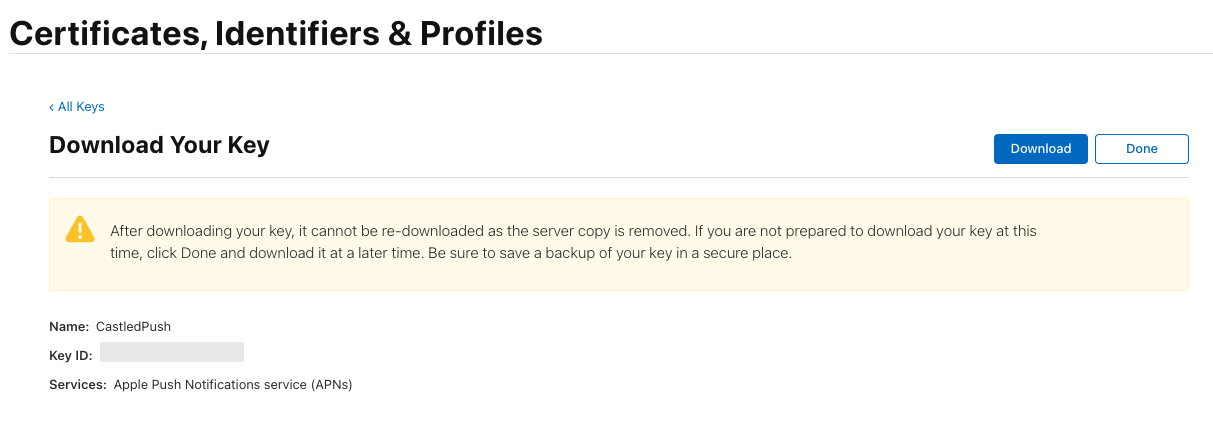
6. Download the key. Note down the Key ID which will be later used when configuring APNS in Castled.
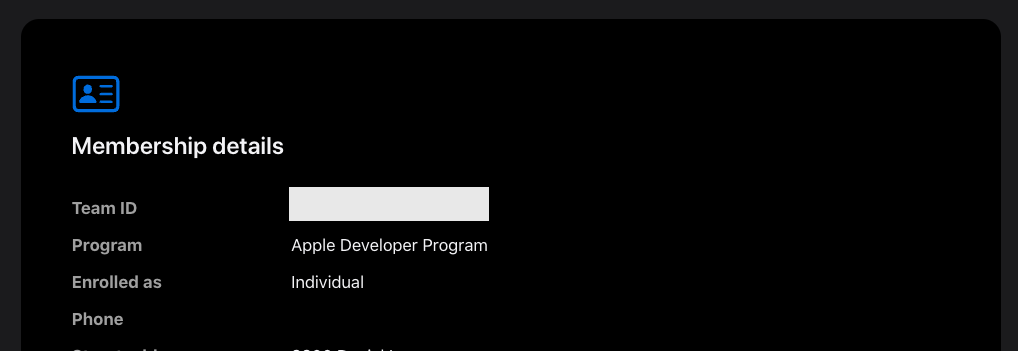
7. Team ID can be obtained by going to the Membership details tab after logging into the apple developer account.