

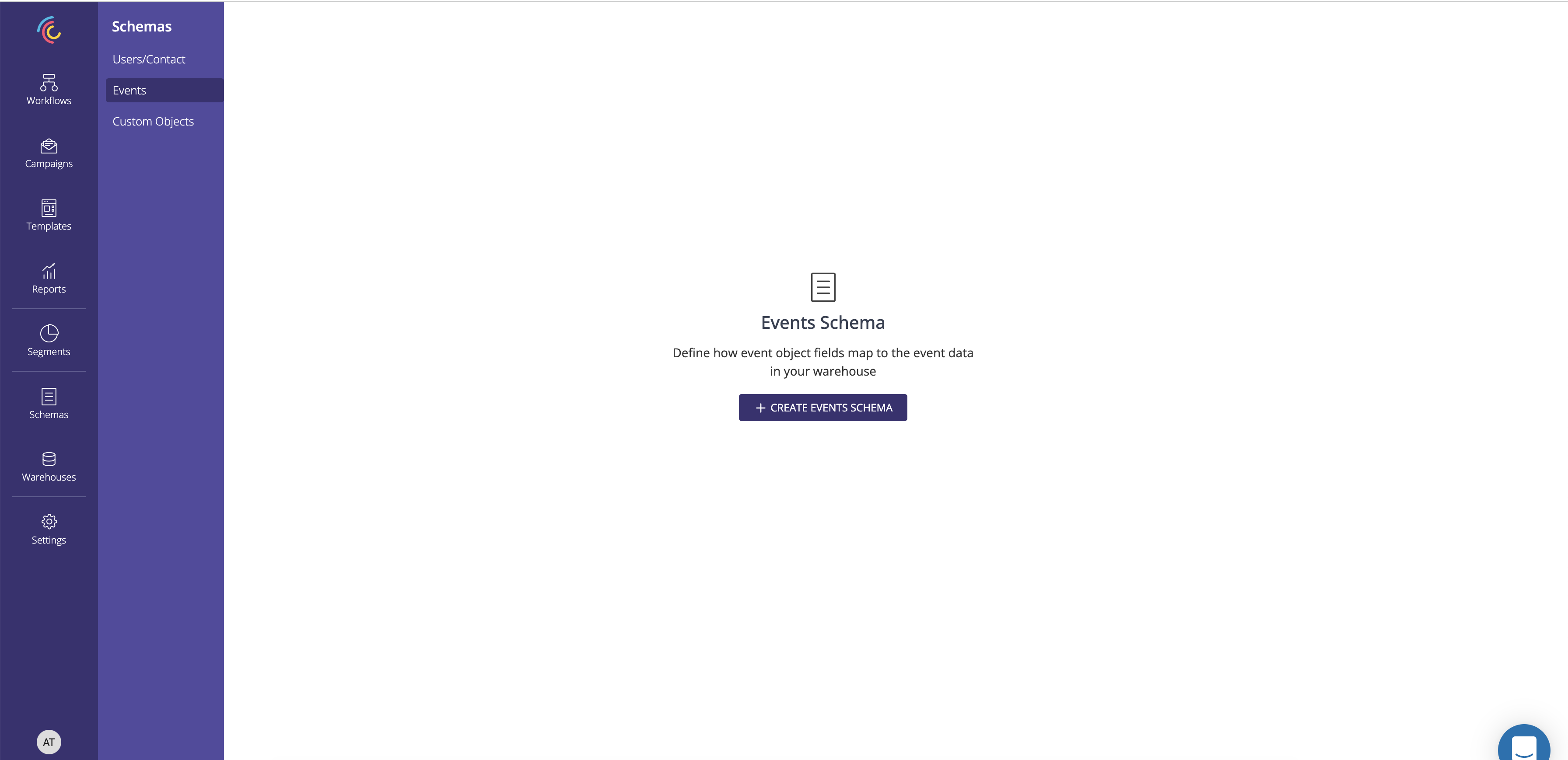
1. Click on Create Event schema
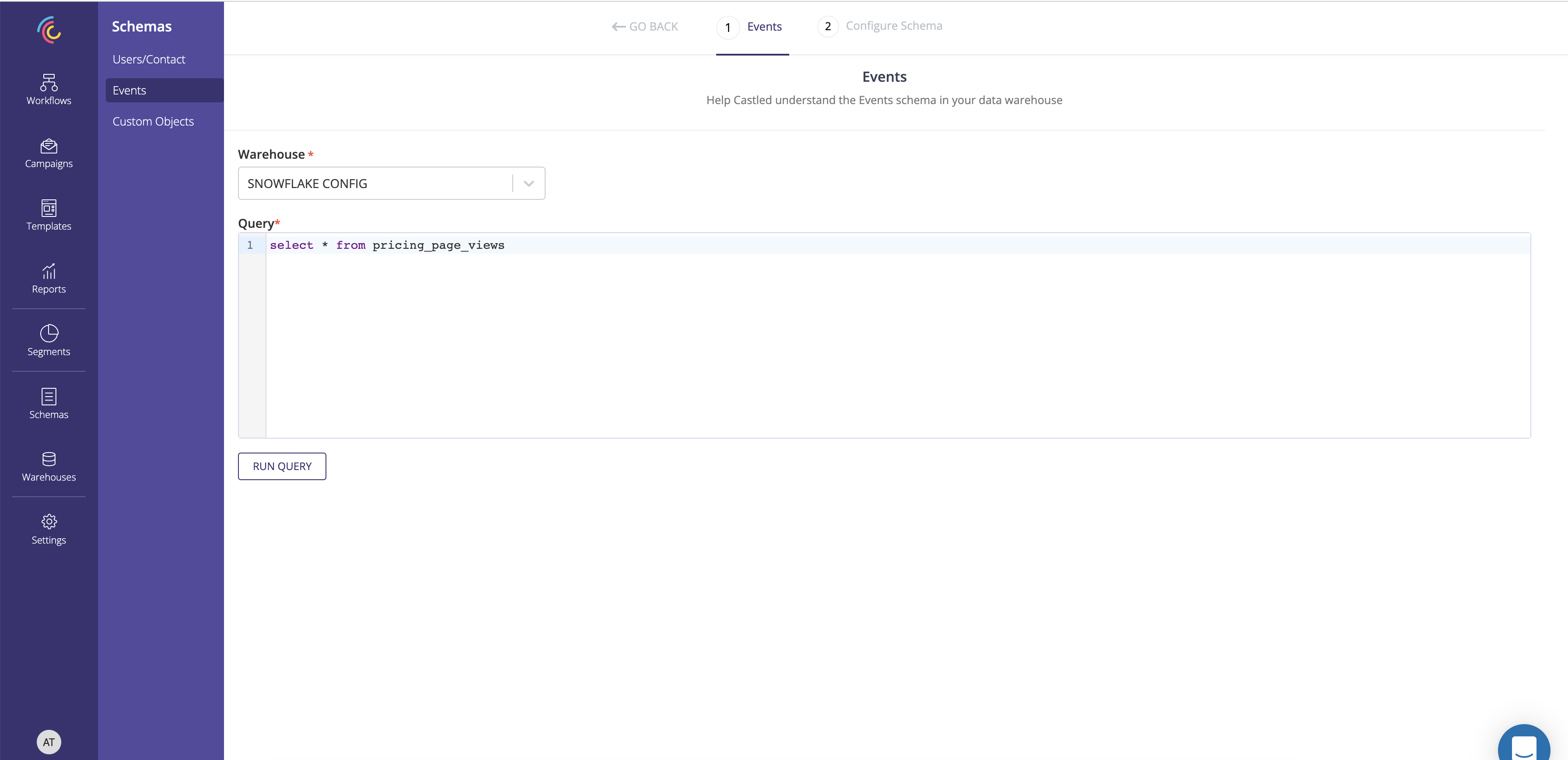
2. Select the warehouse config and enter the query to define the event entity being created.
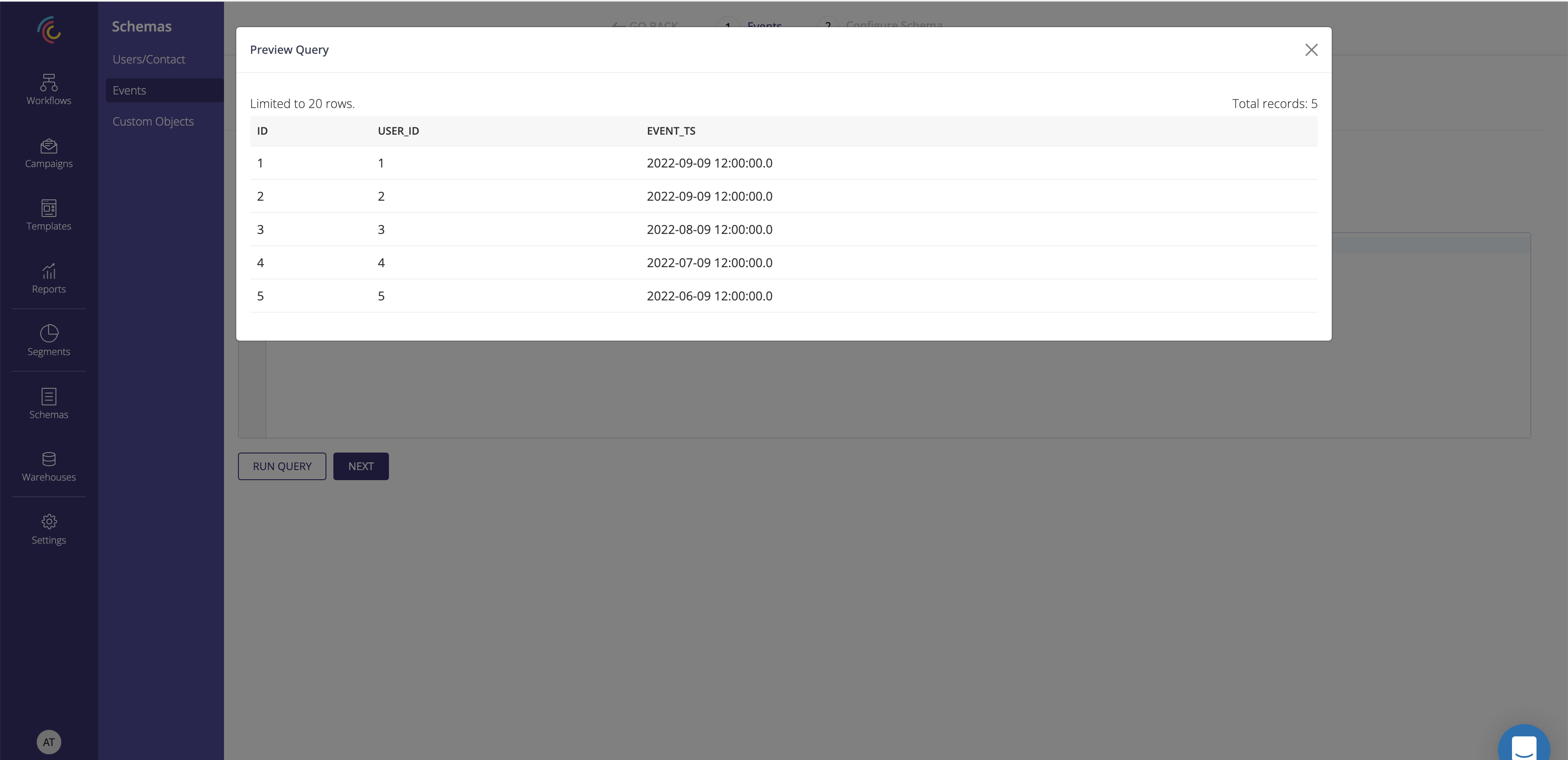
3. Run the query and preview the result.
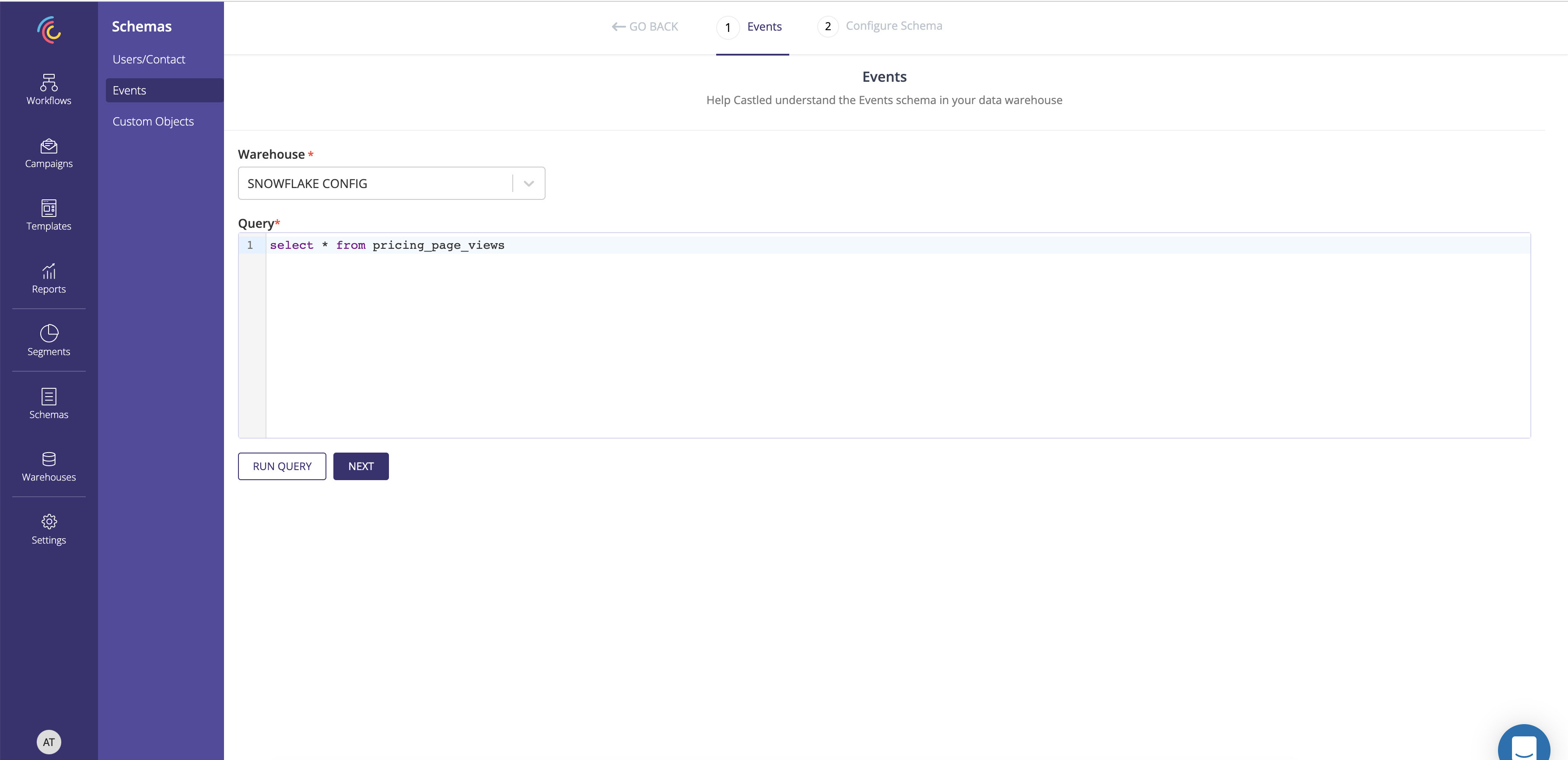
4. After previewing the query result click Next.
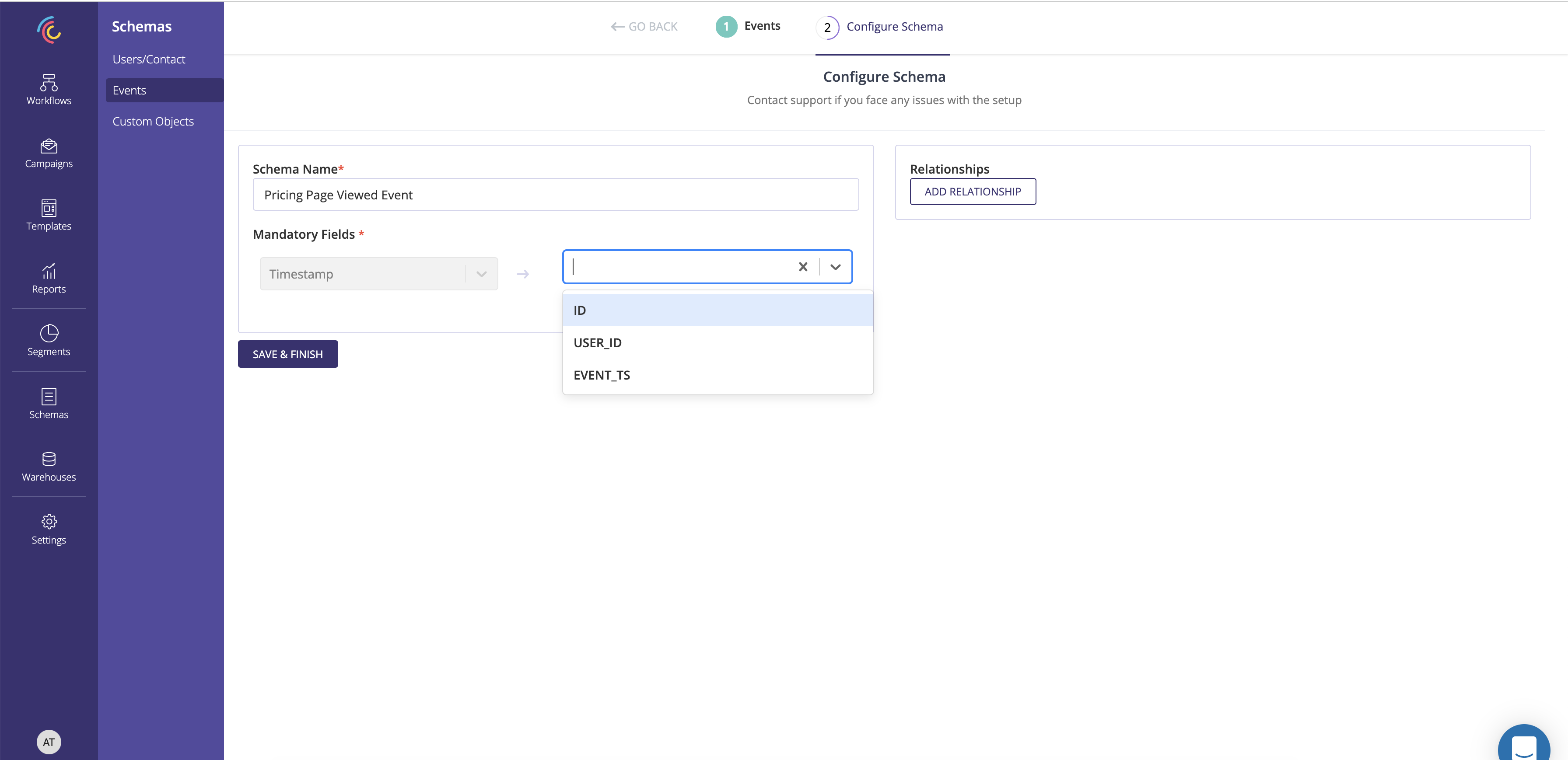
5. Capture the schema name and map the Event timestamp field.
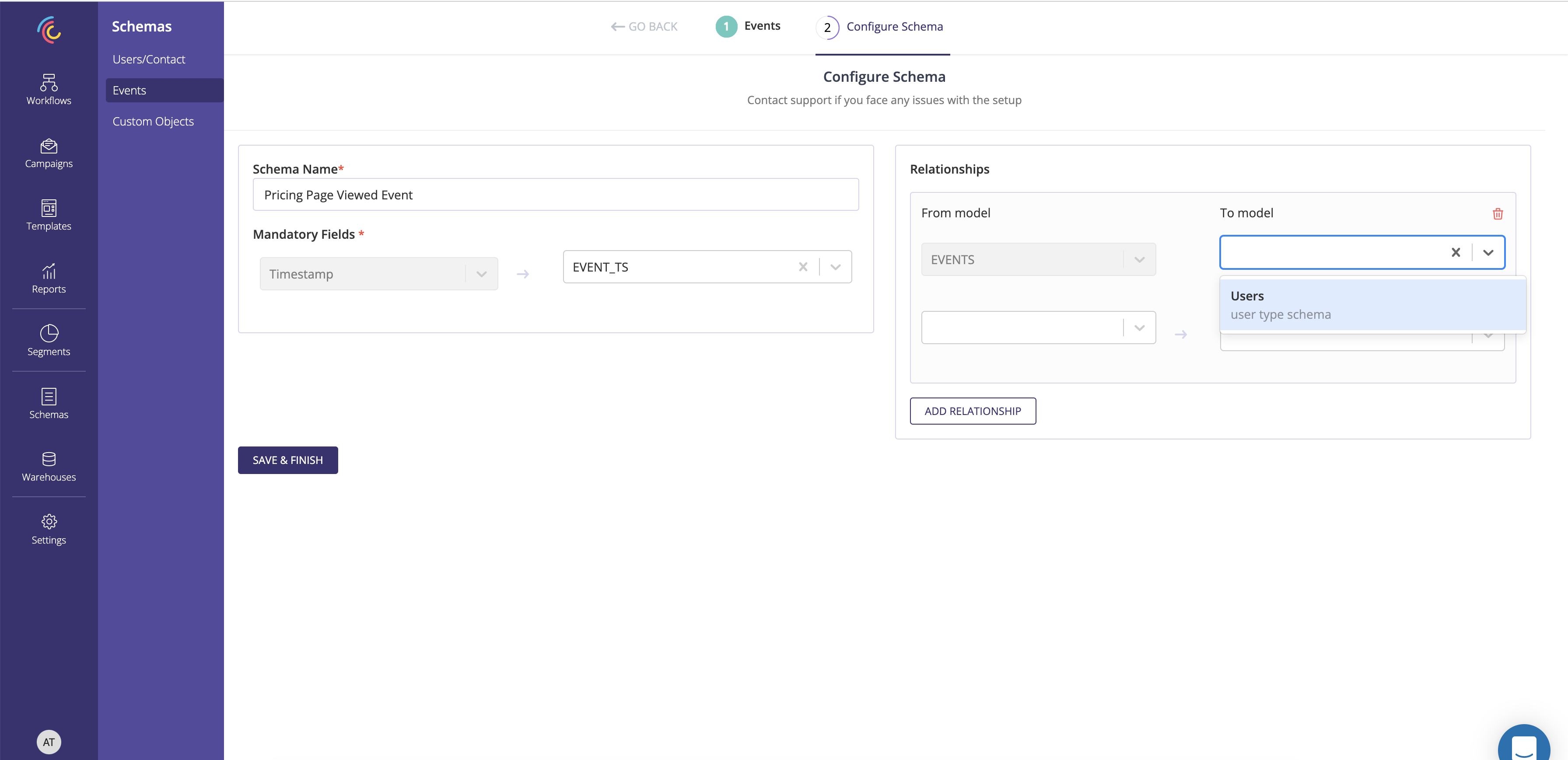
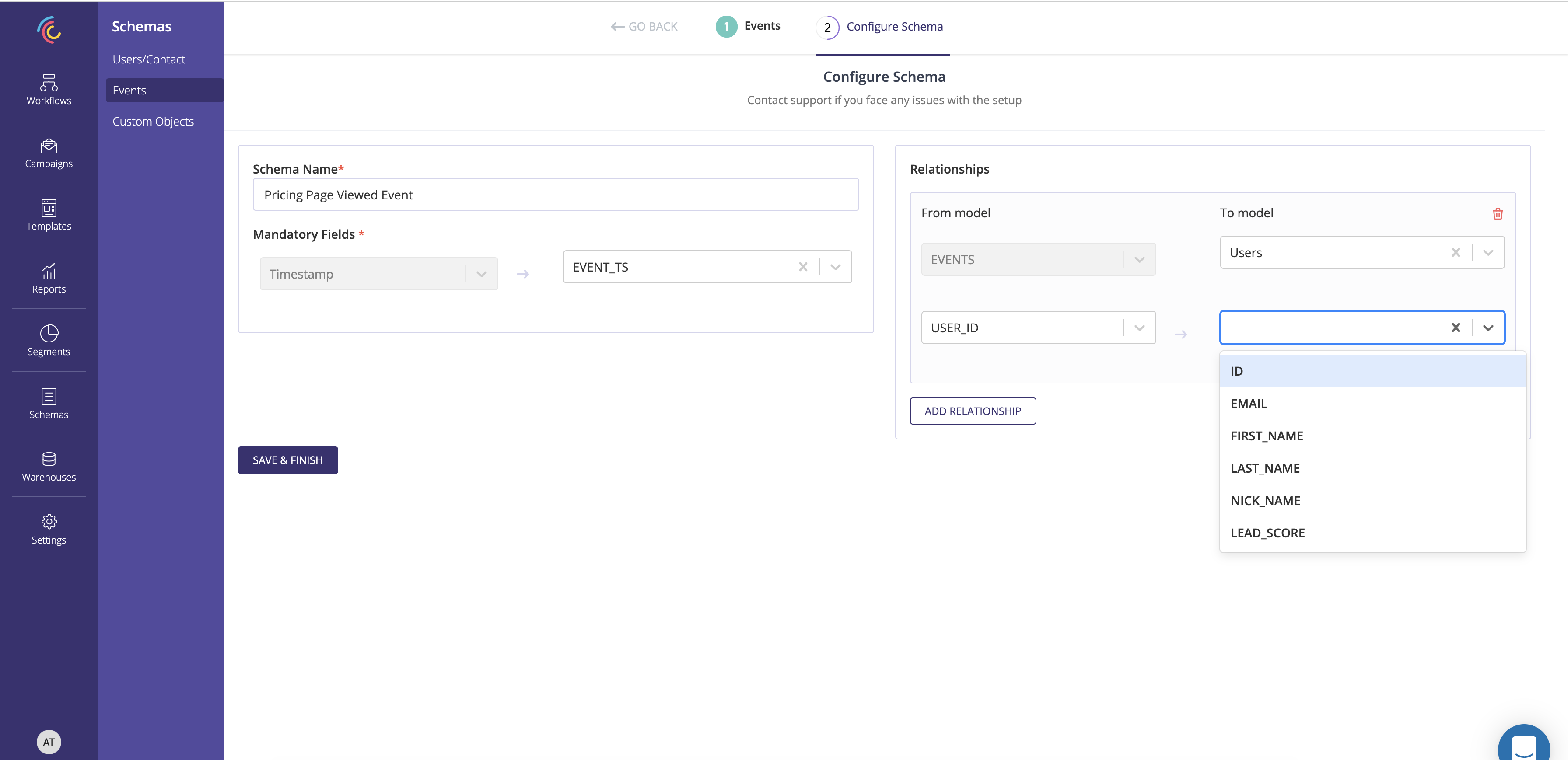
6. Capture the User object associated with the event using the Relationship section.

7. Save and finish to create an Event schema.
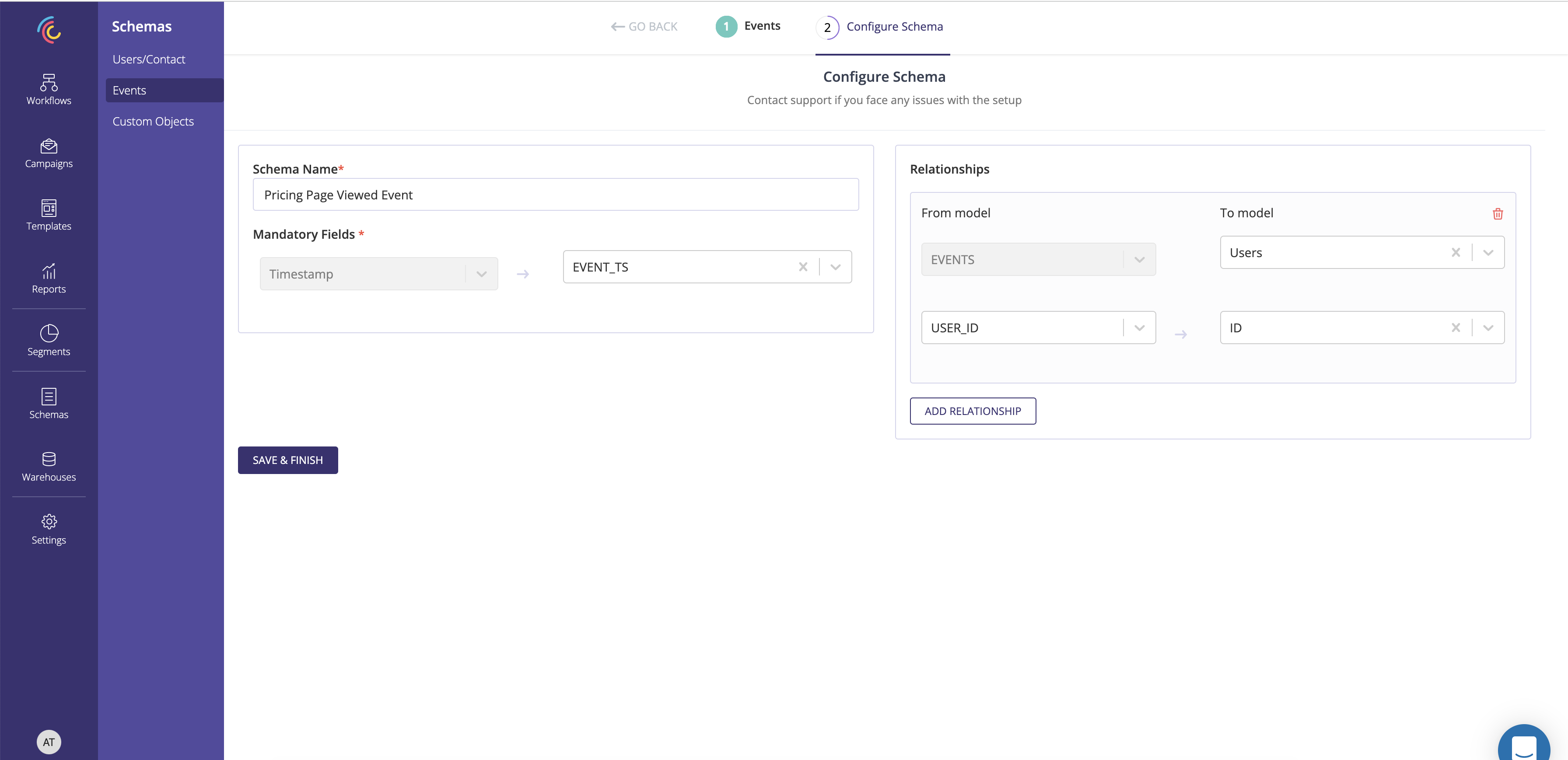
An Event Schema can be associated with only one User Schema